
Kitchen Backsplash Visualizer: Try Tile, Brick or Stone on Your Own Photo
A kitchen backsplash visualizer should show the wall between your counter and cabinets in tile, brick, stone or paint before you buy anything. With zabudowa.arch you photograph your own kitchen and get three designs in about a minute, then compare each one with your photo.

- Free within usage limits
- No account needed
- Android app
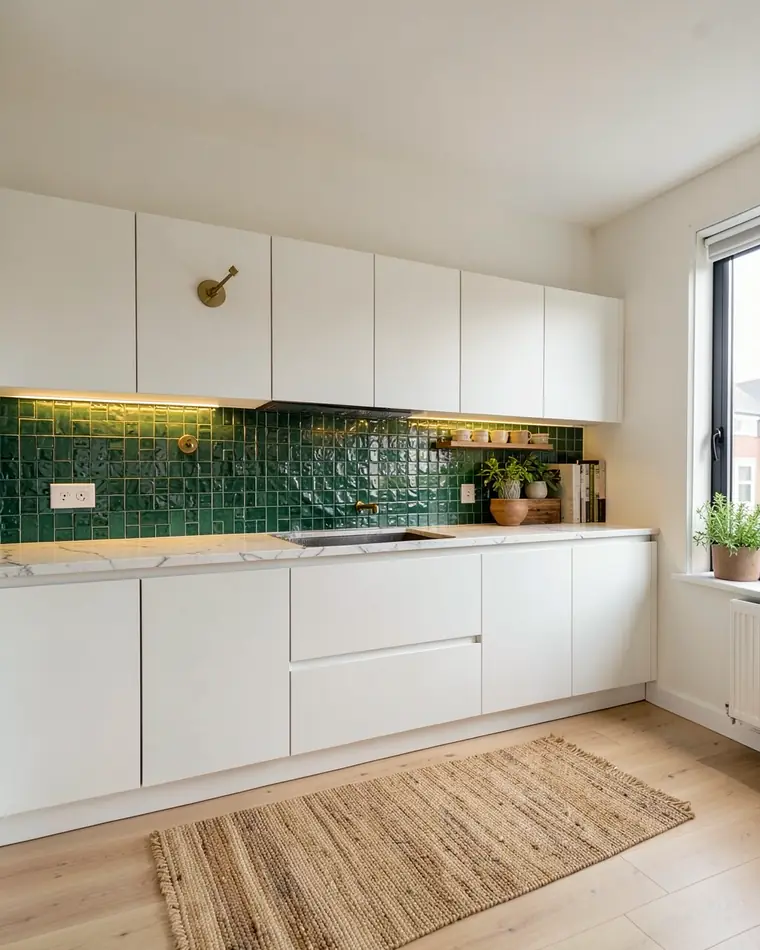
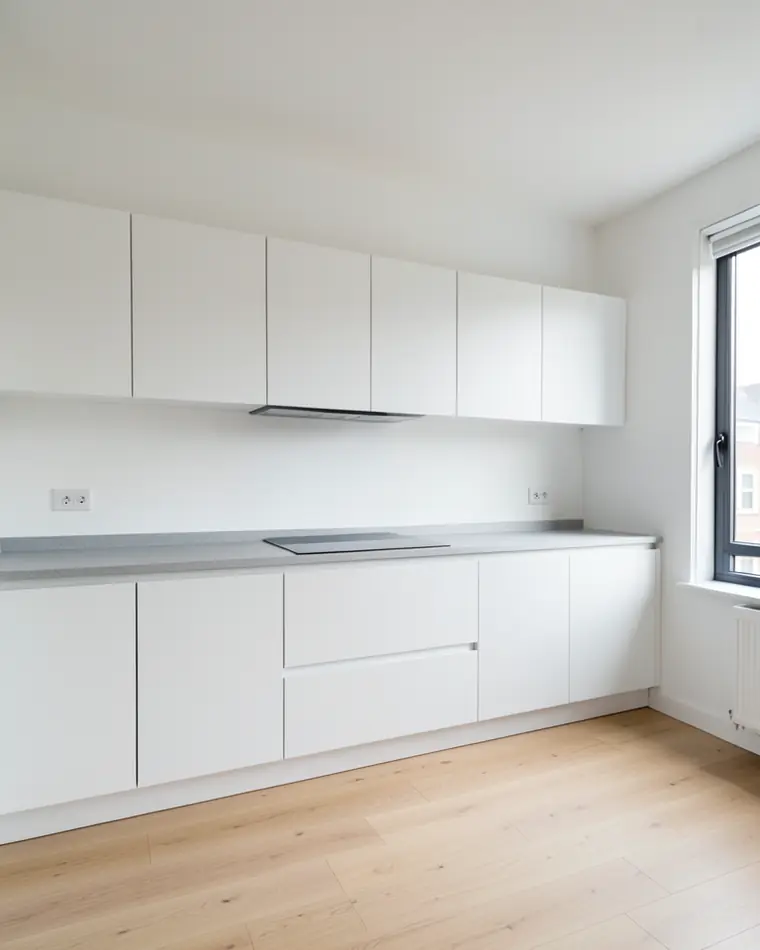
What does the wall between counter and cabinets do for a kitchen?
A backsplash is a vertical surface, such as tile, that protects the wall behind a stove or countertop. Here we mean the strip of wall between the countertop and the upper cabinets. It is right in front of you when you stand at the counter, so it shapes the look of the kitchen more than its size suggests.
Three surfaces meet there: the countertop, the cabinet fronts and the backsplash. We suggest letting one of them lead and keeping the other two quiet. A strong green tile works beside plain cream fronts and a pale counter. A busy pattern next to busy fronts and a veined counter tends to feel crowded.
Decide the job before you pick a material. The backsplash can be the focus of the kitchen, a soft background for bold cabinets, or a way to bring in a color from the next room. Also decide where it stops: under the upper cabinets, up to the ceiling or across the whole wall behind the hob. The height changes the effect.
Three backsplashes for one kitchen
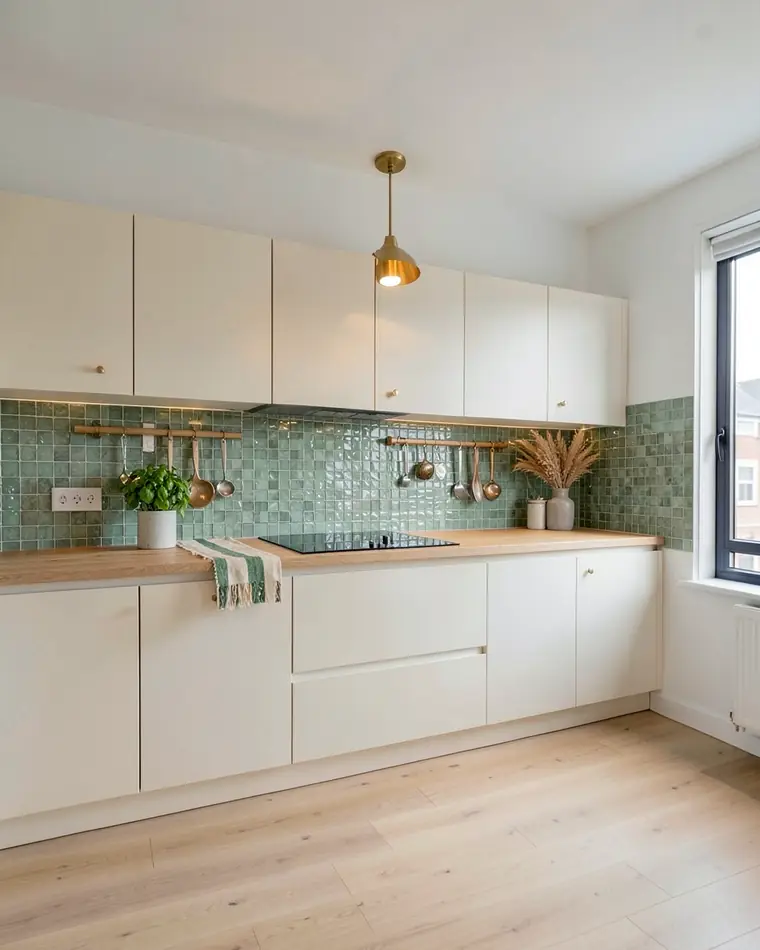
Zellige green
Glossy sage-green tiles up to the cabinets, cream fronts with brass knobs, an oak countertop and a brass pendant lamp. The warmest of the three, and the brass keeps the green from feeling cold.
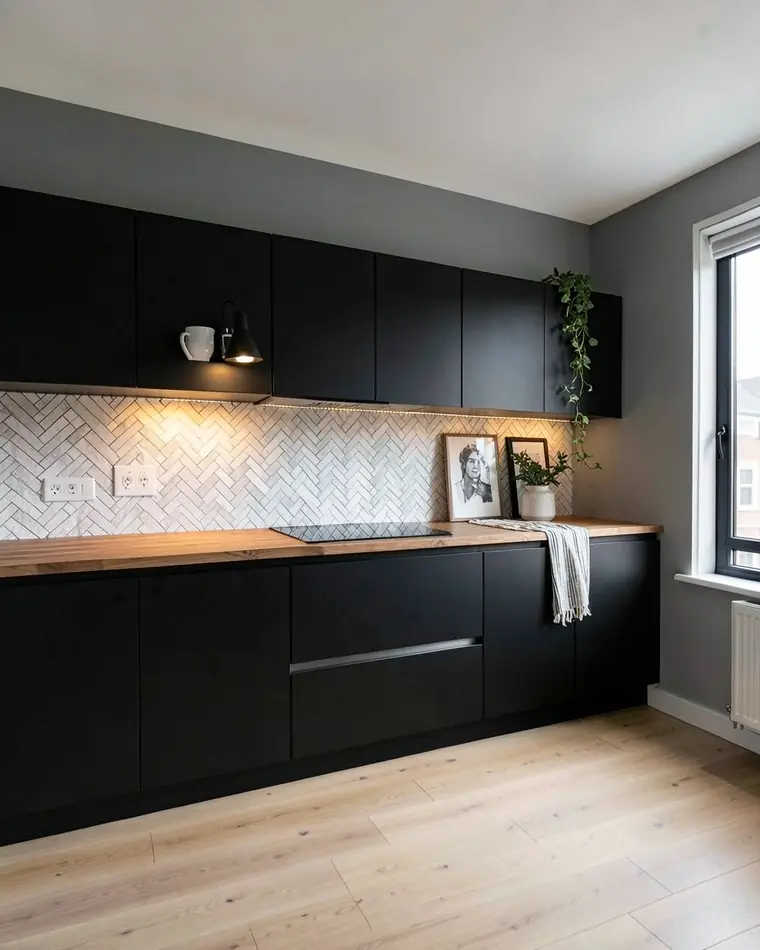
White brick and black
A white thin-brick backsplash laid in herringbone with matte black fronts, a butcher-block counter and a black wall lamp. The most graphic of the three, and the light wall stops the black from closing in.
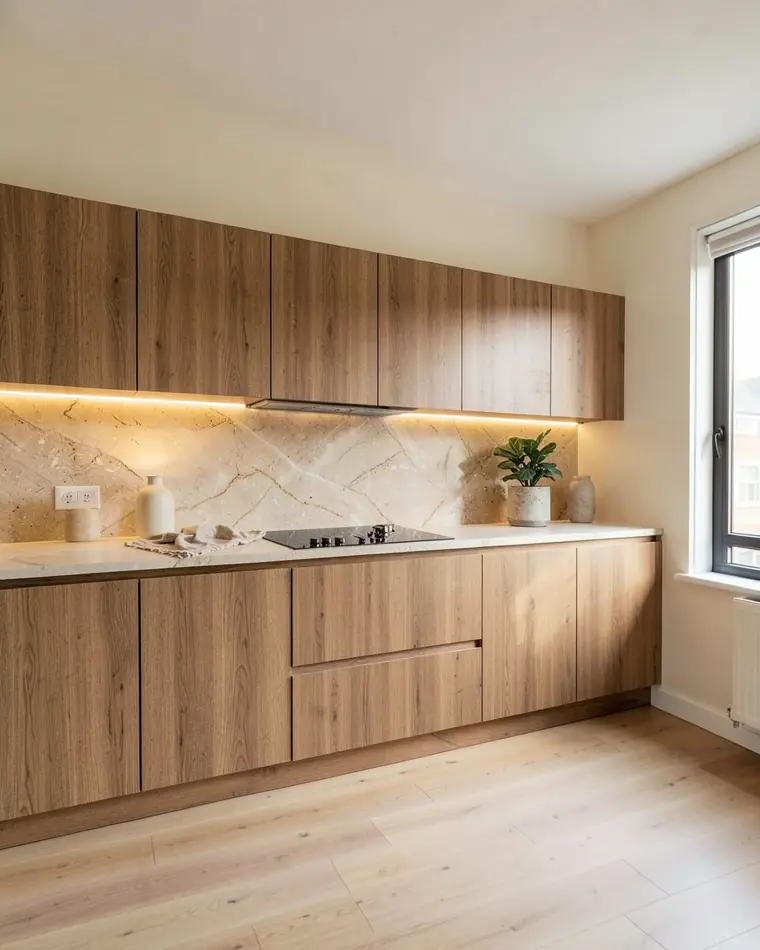
Stone slab and oak
A large stone-look slab in warm beige with soft veining, oak fronts and a warm strip light under the cabinets. The calmest of the three, with a single warm palette.
Tile, brick, stone look or paint: which backsplash suits which kitchen?
Each finish gives the wall a different character, and each leans toward certain fronts and counters. This table is a starting point for taste, not a rule.
| Finish | What you see | Works well with |
|---|---|---|
| Glossy zellige-style tile | A shiny surface that catches the light | Cream or white fronts, brass and oak details |
| Thin brick in herringbone | Zigzag lines that add movement | Matte black or white fronts, a butcher-block counter |
| Large stone-look slab | A calm, continuous surface with soft veining | Oak fronts, warm light under the cabinets |
| Painted wall | One flat color, with no pattern or grout lines | Open shelves, plain fronts, a bold color you may want to swap |
Grout is part of the look. A grout color close to the tile calms a pattern, and a contrasting one draws a grid across the wall. A photo preview helps you see which of the two you prefer.
Before you order anything, ask the seller whether the finish is meant for the wall behind a hob and beside a sink, and look at a physical sample next to your countertop in your own light.
White, dark or wood cabinets: how to choose the backsplash
With white cabinets the backsplash is free to carry the color. Deep green, dusty blue or terracotta tile reads as a deliberate choice against white fronts, and a glossy finish keeps it lively. For a calmer kitchen, stay with white or cream tile and let a texture such as herringbone brick do the work.
Against dark or black cabinets we suggest a lighter backsplash, or one close to the cabinet shade. A white brick or a pale stone-look slab lifts the wall. A deep tile in nearly the same tone makes a moody, enclosed kitchen, and warm light under the upper cabinets usually helps with it.
Oak or other wood fronts pair well with a warm beige or off-white slab, which keeps the palette to a few related shades. If the wood already has a strong grain, a plain backsplash lets it stay the star.
How to photograph the wall between counter and cabinets
Stand far enough back that the whole backsplash is in the frame, from one end of the counter to the other, with the upper cabinets above it and the countertop below. Face the wall straight on and hold the phone level, so horizontal tile lines stay horizontal.
Clear the counter of things that hide the wall, such as a kettle, a chopping board or a rack of utensils, so the whole backsplash is visible. Shoot in daylight with the lights you normally cook under switched on, and we suggest turning the flash off. In a narrow kitchen, stand at one end and photograph the longer wall.
What this kitchen backsplash visualizer does and does not do
zabudowa.arch is an Android app. You take a photo of your kitchen with the camera or choose one from your gallery, and after about a minute you get three designs, A, B and C, each with a name and a description. A slider compares each design with your photo, and you can save it to your gallery or share it.
The app has no separate backsplash setting. You choose a kitchen style or describe one in your own words, for example “glossy sage green tiles up to the cabinets, cream fronts”. The designs show the whole kitchen, so the cabinet fronts usually change along with the wall, and so do lamps and decor. You see the backsplash in a styled kitchen, not the wall alone.
What it does not do: the windows, doors, walls and layout stay where they are, and the app does not plan layouts or dimensions. It will not tell you how many tiles to buy or how to lay them. The designs are AI images for inspiration, so tile colors and patterns can look different in real life. If you want a first look before photographing your own kitchen, the app includes a sample kitchen with three ready designs, and browsing it does not use up your free designs.
For the whole room, see the free AI kitchen design app, or the small kitchen design app if space is tight.
Try a backsplash on your own kitchen
Stand back until the full run of backsplash is in the frame, from one end of the counter to the other, with the upper cabinets above it. Clear the counter, face the wall straight on, hold the phone level and shoot in daylight.
Choose a kitchen style or describe the look in your own words, for example “white thin brick in herringbone, matte black fronts”. Name the finish and the color, and say which fronts you want beside it.
Compare designs A, B and C with the slider, then describe a different finish and compare tile with paint on the same photo. Hold a real tile sample or a paint swatch against your countertop in your own light before you buy.
Questions and answers
Can I upload a photo of my kitchen and see backsplash ideas on it?
Yes. In zabudowa.arch you photograph your kitchen, choose a style or describe the look in your own words, and after about a minute you get three designs to compare with your photo using a slider. The windows, doors and layout stay as they are.
Which backsplash looks good with white cabinets?
One with color. Deep green, dusty blue or terracotta tile usually reads as a deliberate choice against white fronts, and a glossy finish keeps it lively. For a quieter kitchen, choose white or cream tile with some texture, such as brick laid in herringbone.
What backsplash goes with dark or black cabinets?
A lighter one is the safer start. White brick or a pale stone-look slab lifts the wall and keeps dark fronts from closing the room in. If you prefer a moody kitchen, choose a tile close to the cabinet shade and add warm light under the upper cabinets.
Can I compare a painted wall with tile on the same photo?
Yes. Describe the painted look in your own words, then describe the tile in a second try, and compare the designs with your photo. Treat the result as a direction, because an AI image can show a pattern or a color differently from the real material.
Will the app show the exact tile color or tell me how many tiles to buy?
No to both. The designs are AI images for inspiration, and a tile can look different on your wall and under your lights. The app does not plan layouts or dimensions either, so ask your tile supplier for a quantity and a sample once you know the direction.
Is the app free, and do I need an account?
It is free within a daily and monthly limit that depends on your country. You do not need an account, an email address or a password, and the app runs on Android.
Related ideas
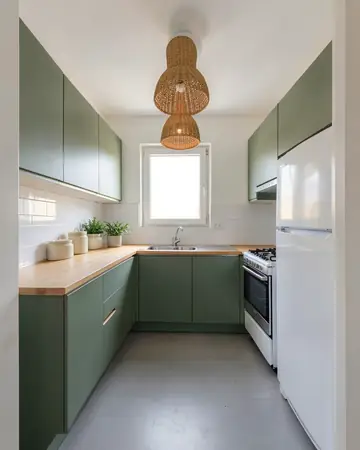 KitchenCabinet colors, lighting, flooring
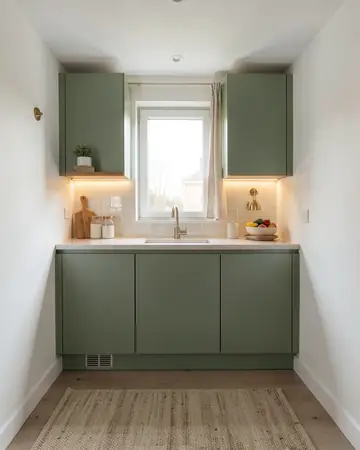 Small kitchen designNew fronts, light and style for a tight kitchen
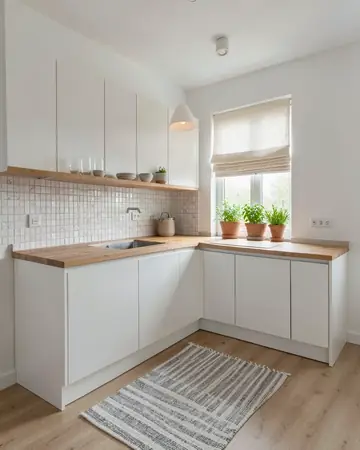 Scandinavian kitchen designWhite, wood and warm light on your kitchen photo
More guides
Free AI interior design app: how it worksHouse mode: free AI exterior design for your house