Free AI home office design from a photo of your workspace
Photograph the room you work in and get three makeover ideas in about a minute: desk, shelves, wall color and lighting in a style you pick. The window and walls stay where they are.

- Free within a daily limit
- No account needed
- Android app
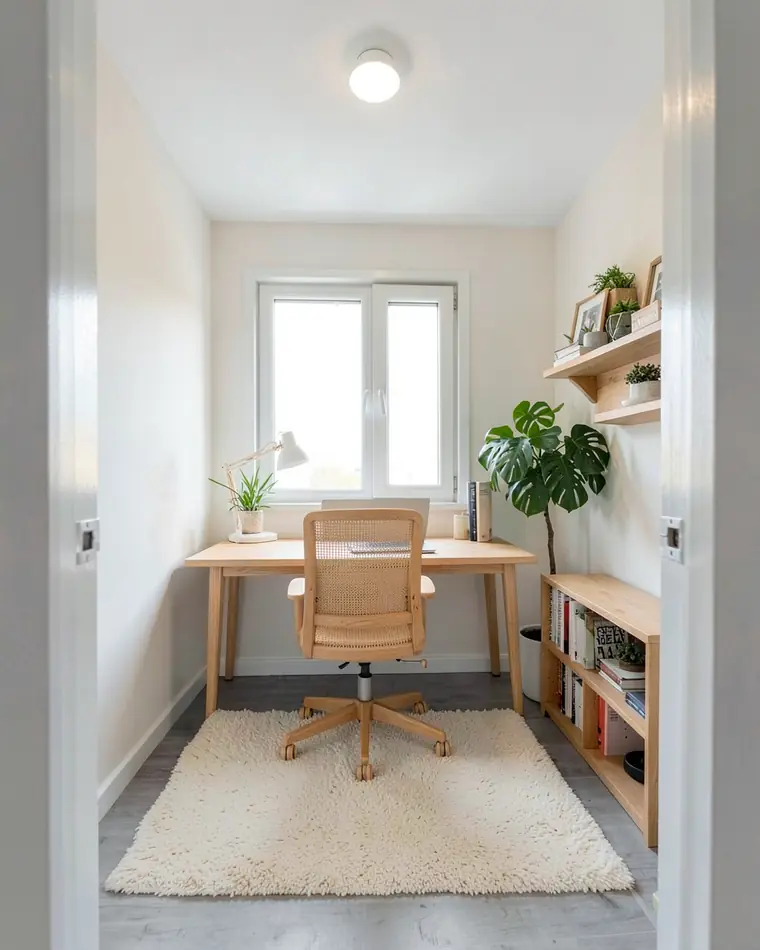
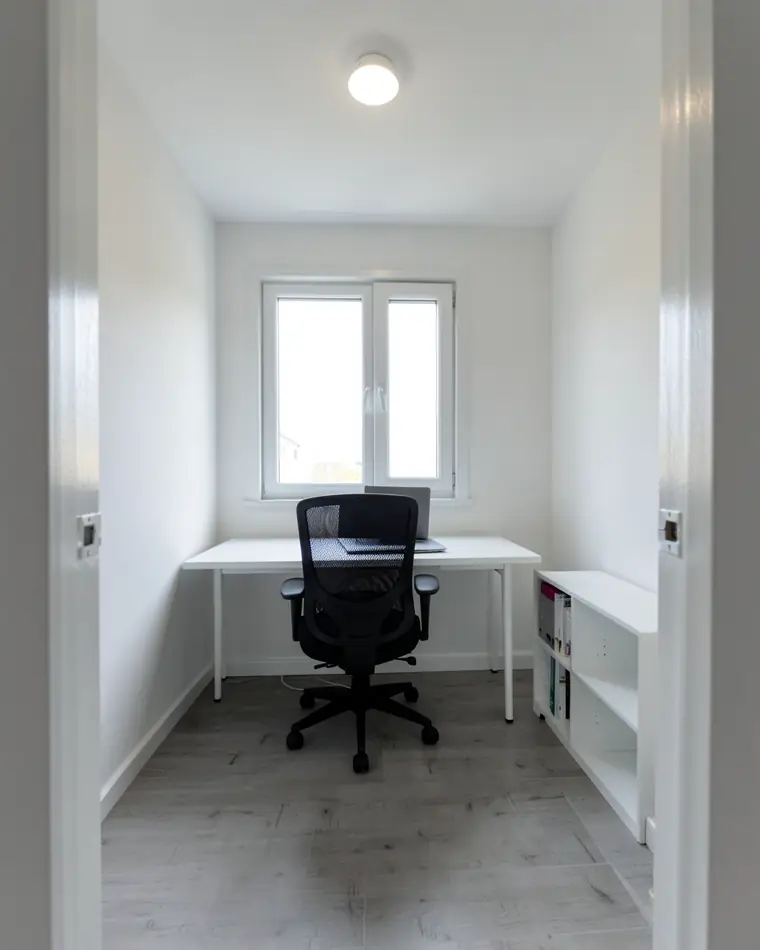
Three home office makeover ideas from one photo
A spare room with a desk, restyled three ways. The window, door and walls stay; the workspace around them changes.
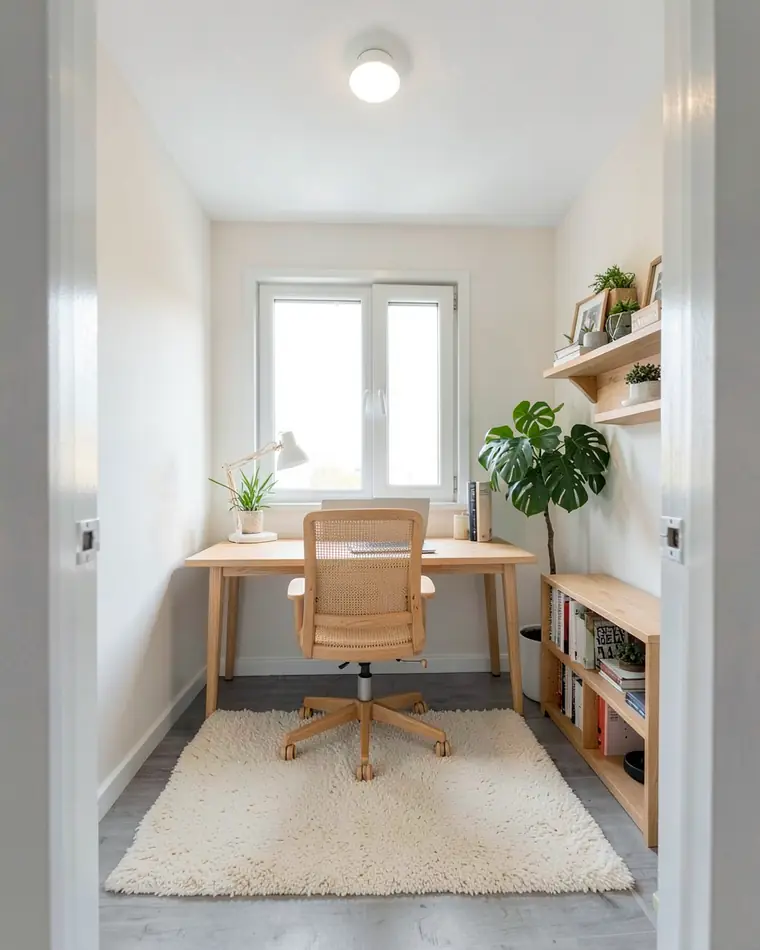
Bright Scandinavian
An oak desk, a cane chair, open shelves and plenty of plants. Light and friendly for long days.
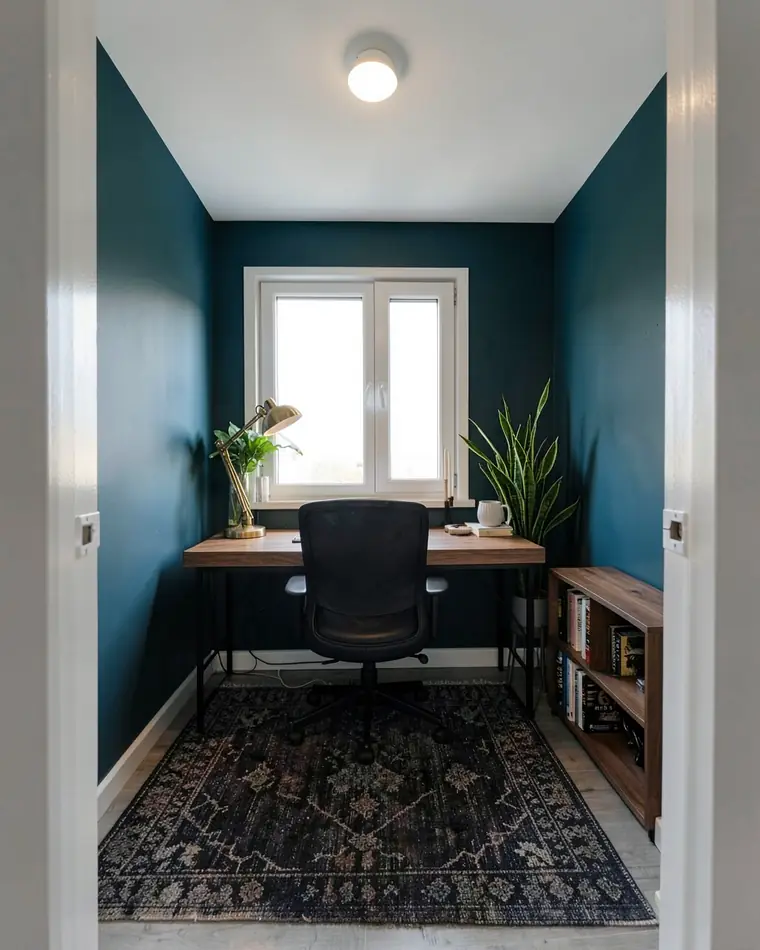
Deep focus
Blue-green walls, a walnut desk and a brass lamp. Darker and quieter, for evenings and calls.
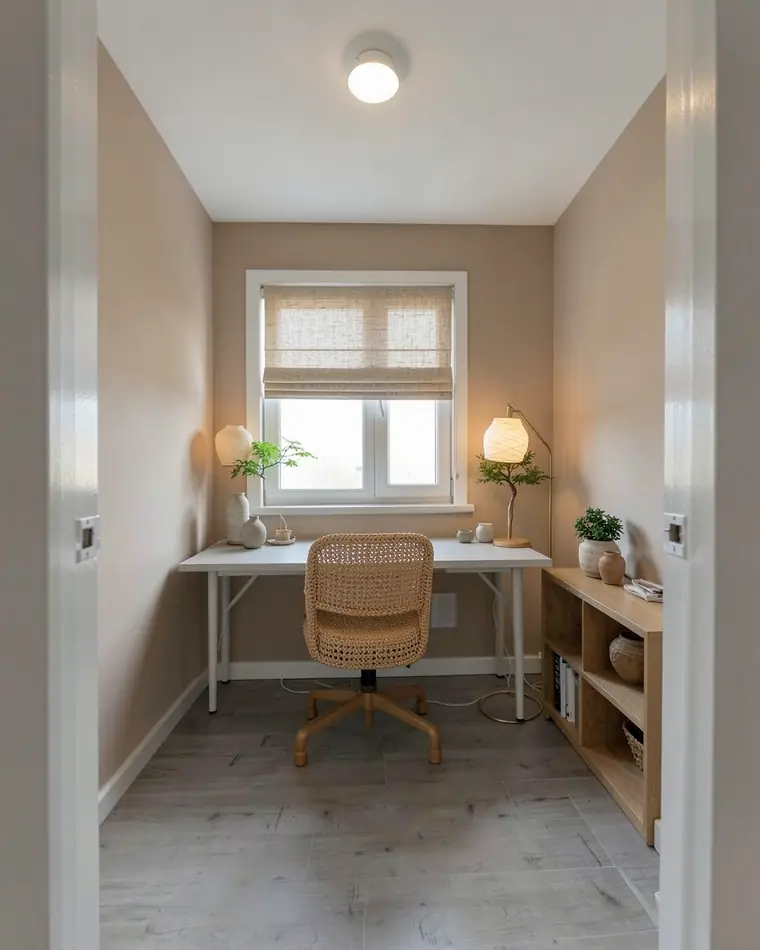
Calm Japandi
Clay beige walls, a woven chair, a linen Roman shade and a paper floor lamp. Few things, all of them natural.
Or change just the walls or the floor
Keep your desk and chair and change one or two things around them.
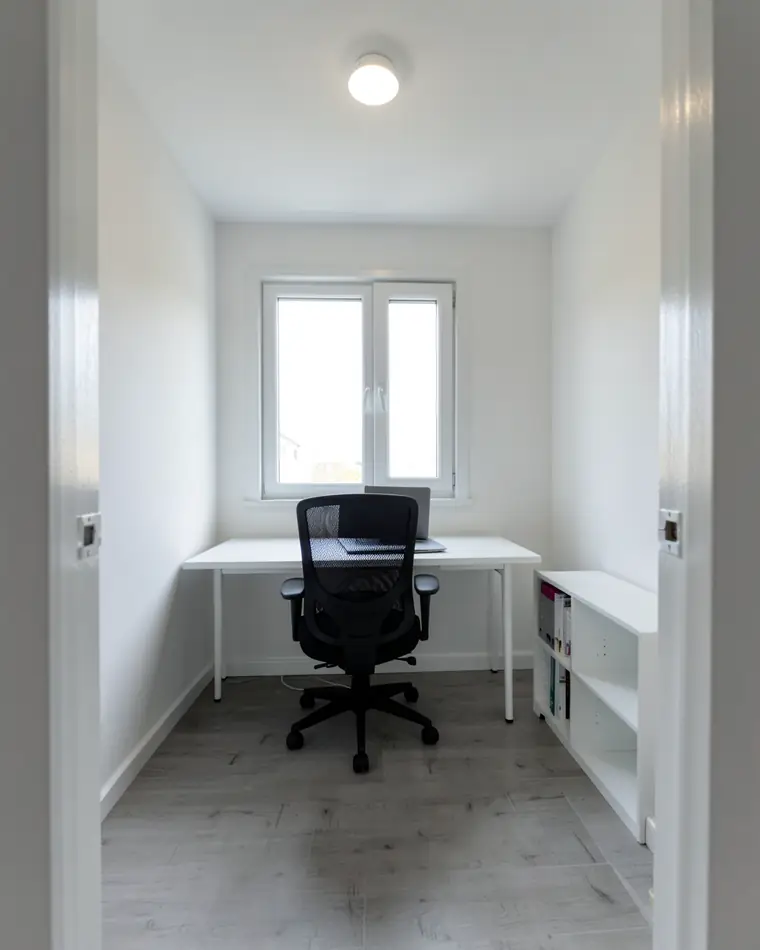
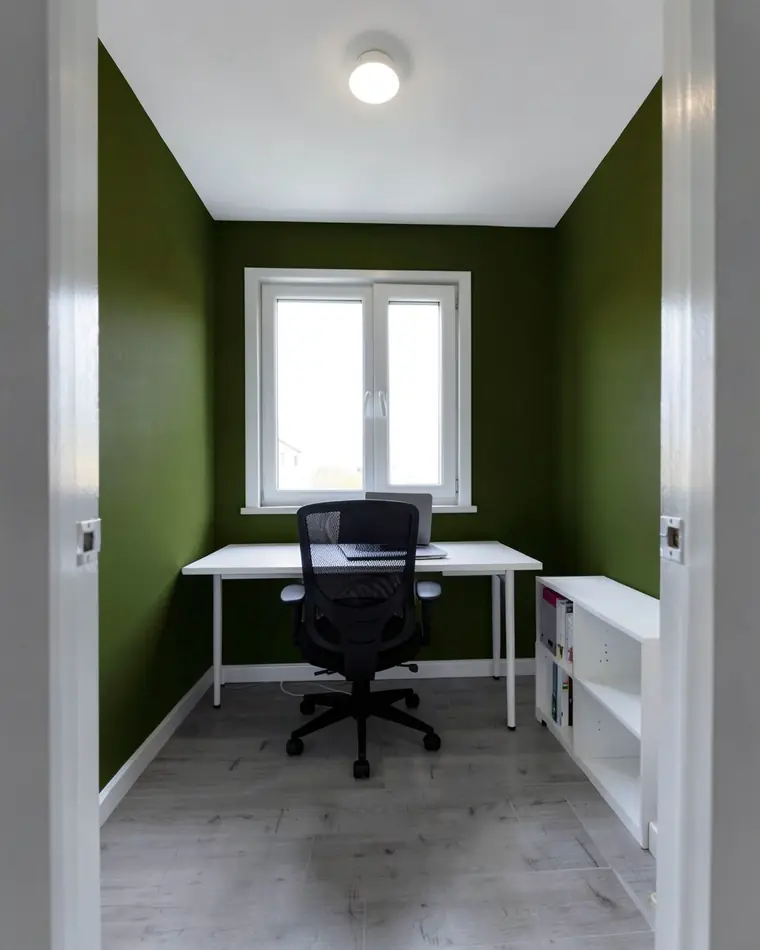
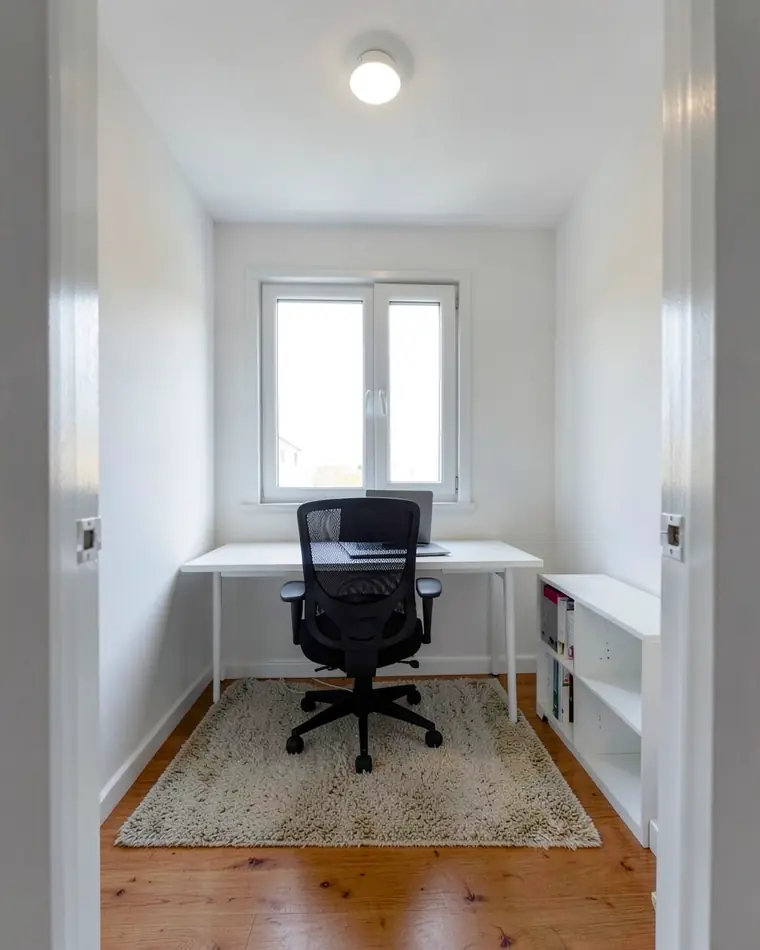
How to photograph your home office
Clear the desk, step back and take one photo.
Show the whole desk wall
Stand at the door so the desk, the chair and the window are all in the frame.
Shoot in daylight
Take the photo during the day with the lights on, not against a bright window.
Hide the cables
Close the laptop and tidy cables and papers. Loose cables and papers tend to show up in the designs too.
Hold the phone straight
Keep it level at chest height so shelves and the window frame stay straight.
Home office design tips
Put the desk light first. Daylight from the side and one good desk lamp matter more than any color, so compare designs that change the lighting.
Mind the wall you face and the wall behind you. You look at one all day and people on video calls see the other, so a color, shelves or an accent wall there change the room most.
Keep storage closed if the room doubles as a guest room. A calm design with fewer open shelves makes a small room easier to switch off from.
These designs are AI images for inspiration, not a furniture plan. Measure before you buy a desk, and check paint and wood samples in daylight.
Home office design questions
Is there a free home office design app?
Yes. zabudowa.arch is a free Android app with no subscription or card. You get a daily and a monthly limit of designs, and runs that fail do not count.
Can AI design my home office from a photo?
Yes. Photograph your workspace, pick a style or up to two changes, and you get three designs of your own room in about a minute.
Can I keep my desk and chair?
Yes. Change only the walls, lighting or flooring and your furniture stays as it is. A full restyle replaces the furniture and decor with the style you pick.
Is there a sample home office to try?
Yes. Among the sample rooms in the app is a home office with three ready designs. Viewing it is free and leaves your own free designs untouched.
Can the app plan my home office layout?
No. It keeps your walls, window and doors and restyles what is already in the photo. For an exact floor plan with measurements, use a room planner.
Does the app work on iPhone?
Not for now: zabudowa.arch runs on Android and is on Google Play, with an iOS version planned.
Ideas for other rooms
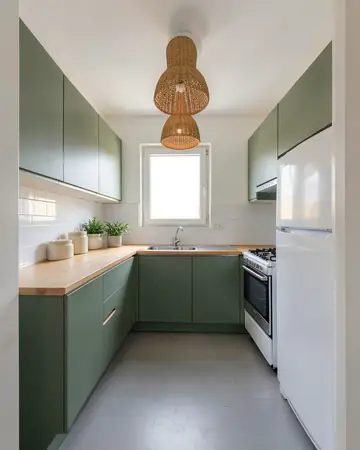 KitchenCabinet colors, lighting, flooring
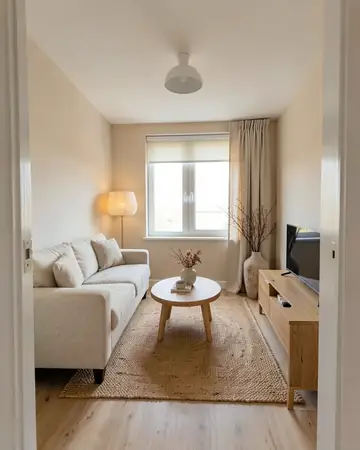 Living roomSofa, walls, curtains, lighting
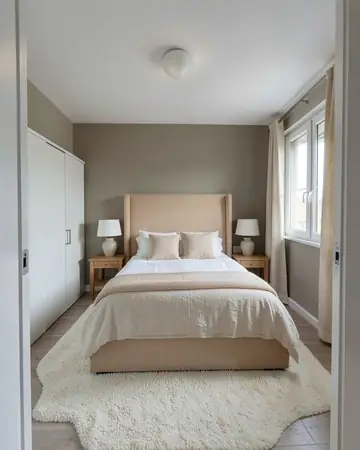 BedroomBed wall, colors, lighting
Free AI interior design app: how it worksHouse mode: free AI exterior design for your house