
Free AI bedroom design from a photo of your bedroom
Photograph your bedroom and get three makeover ideas in about a minute: the wall behind the bed, colors, bedding and lighting in a style you pick. The window, door and walls stay where they are.

- Free within a daily limit
- No account needed
- Android app
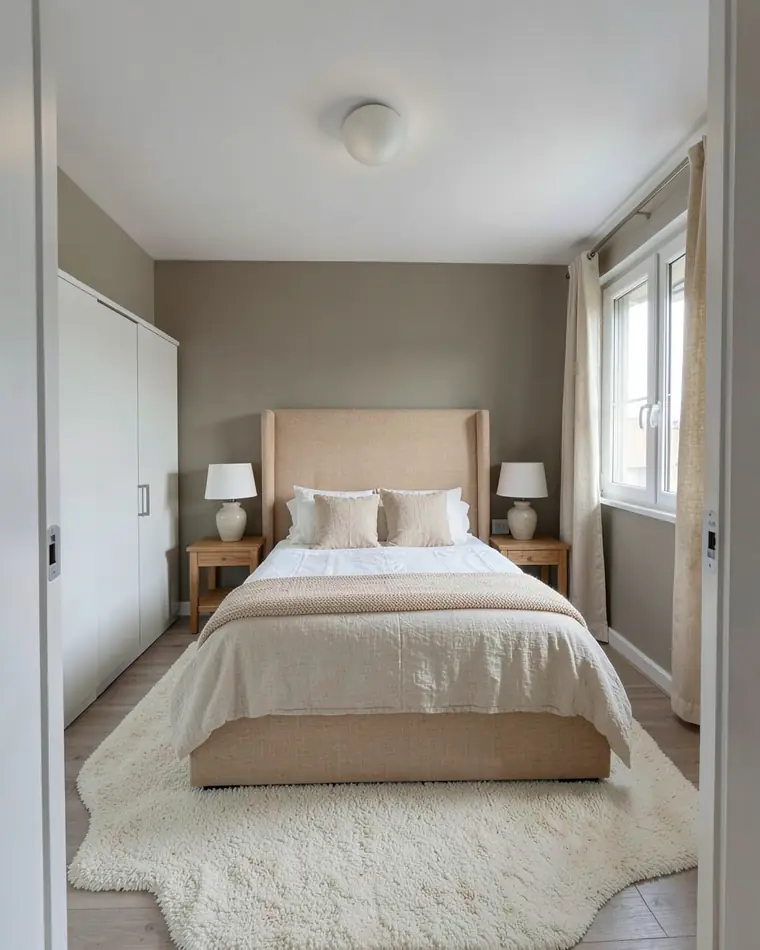
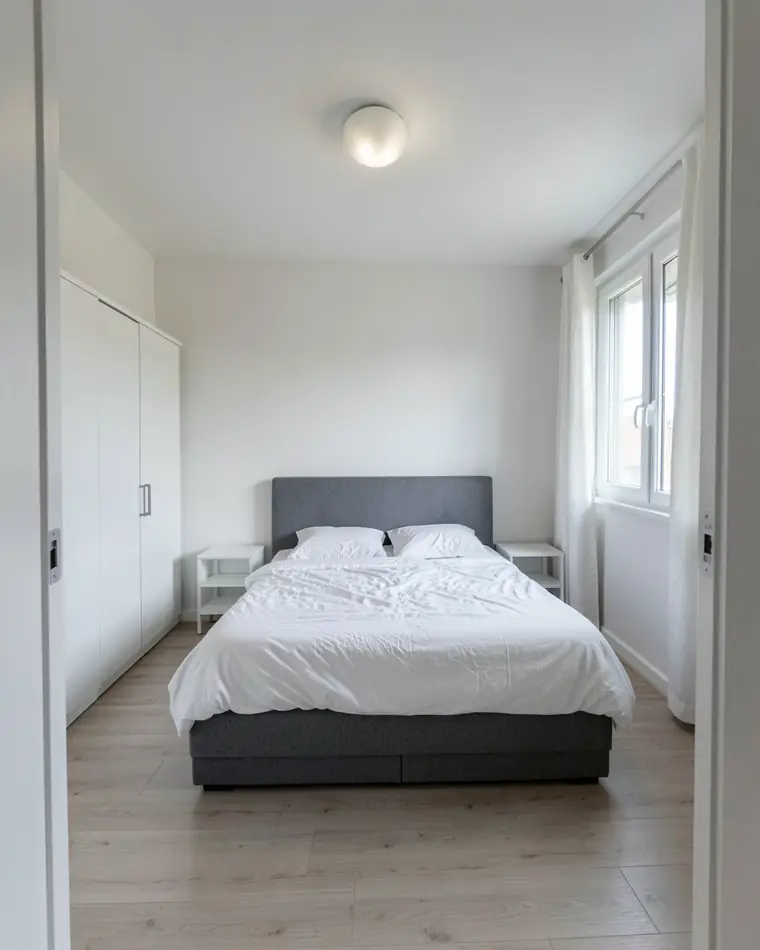
Three bedroom makeover ideas from one photo
The same bedroom, three moods. In each one the bed stays on the same wall, and the window and wardrobe stay put.
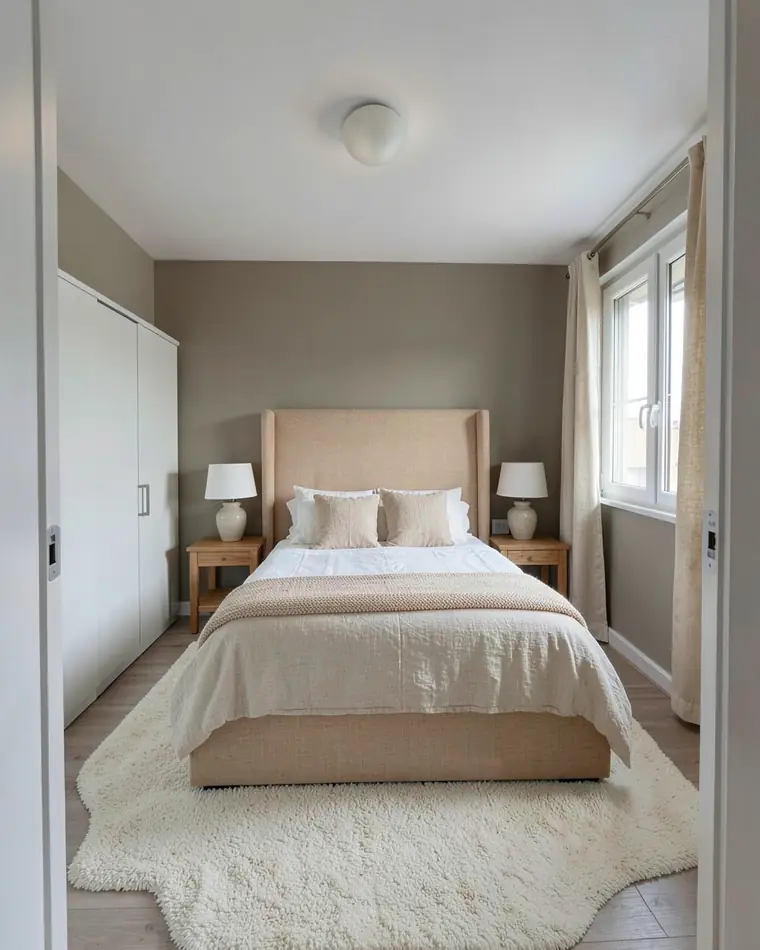
Hotel calm
A tall sand headboard, layered linen bedding and greige walls. Neutral and quiet, like a good hotel room.
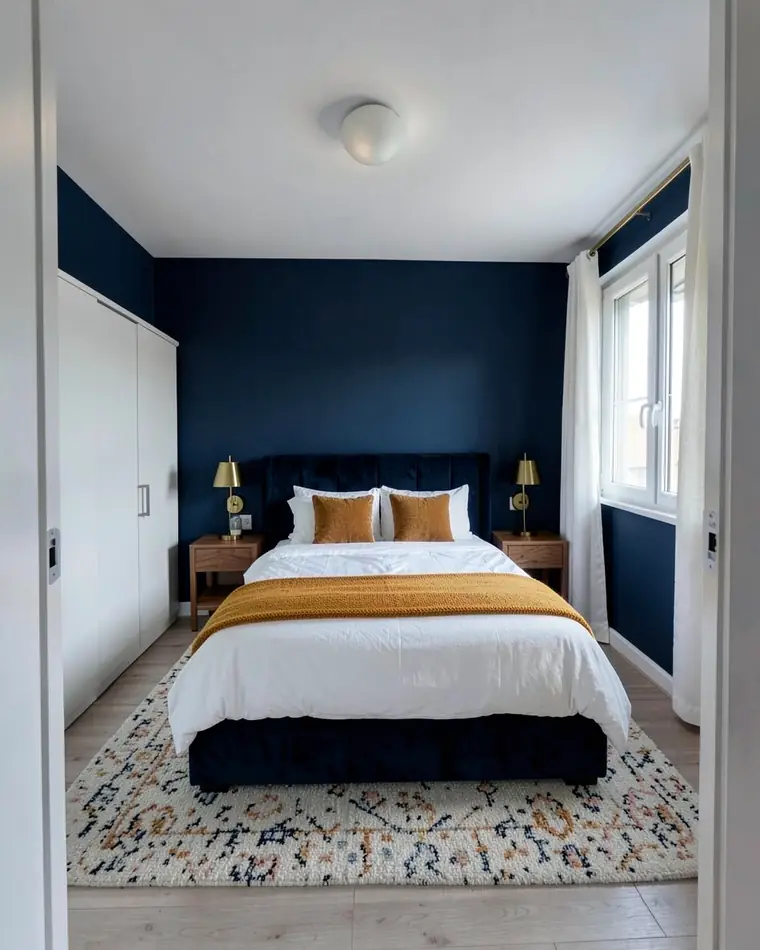
Navy and brass
Deep navy walls, a velvet headboard and brass lamps. Darker and cozy, with white bedding and a mustard throw for contrast.
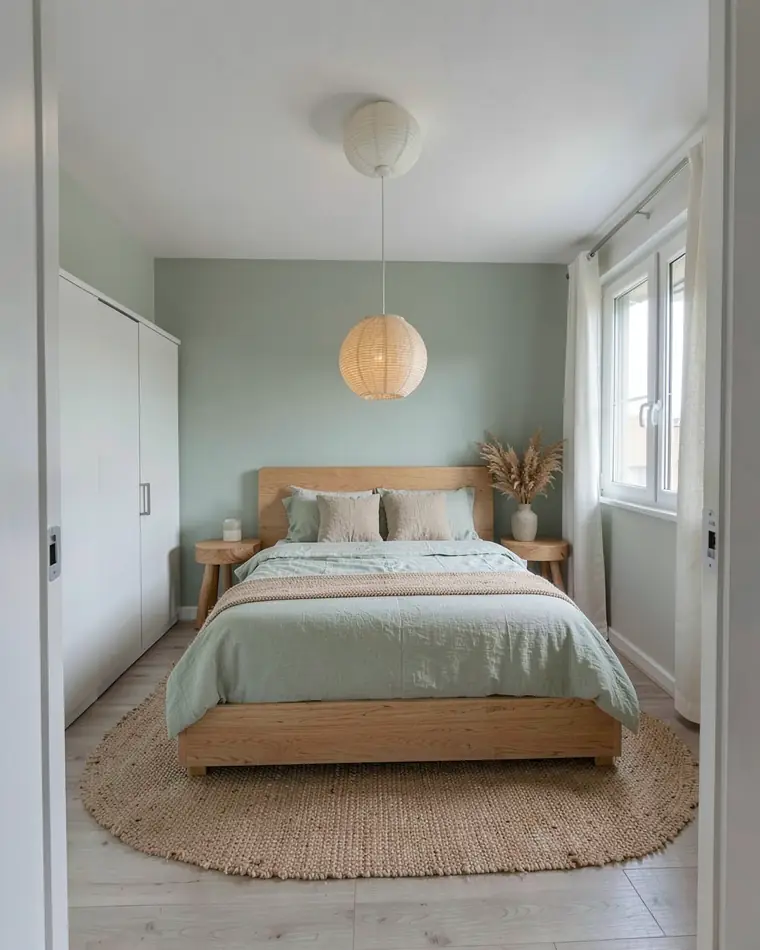
Soft Japandi
Sage walls, an oak bed, linen bedding and a paper pendant. Natural, light and simple.
Or change just the bed wall or the lighting
The wall behind the bed is the first thing you see. Change it, or the lighting, and the rest of the room stays as it is.
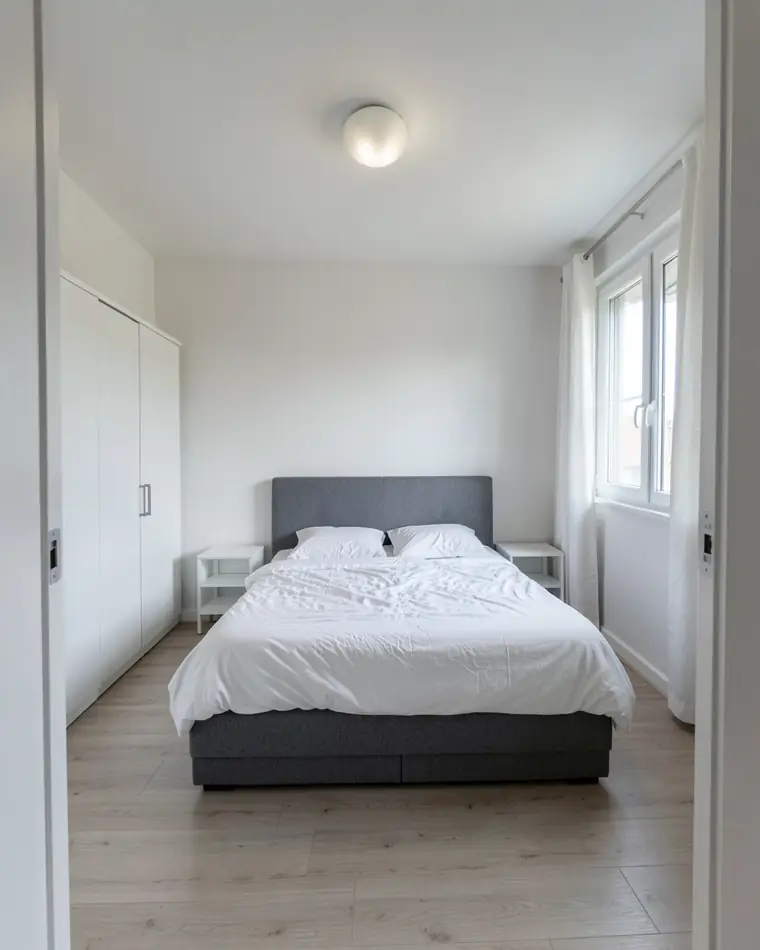
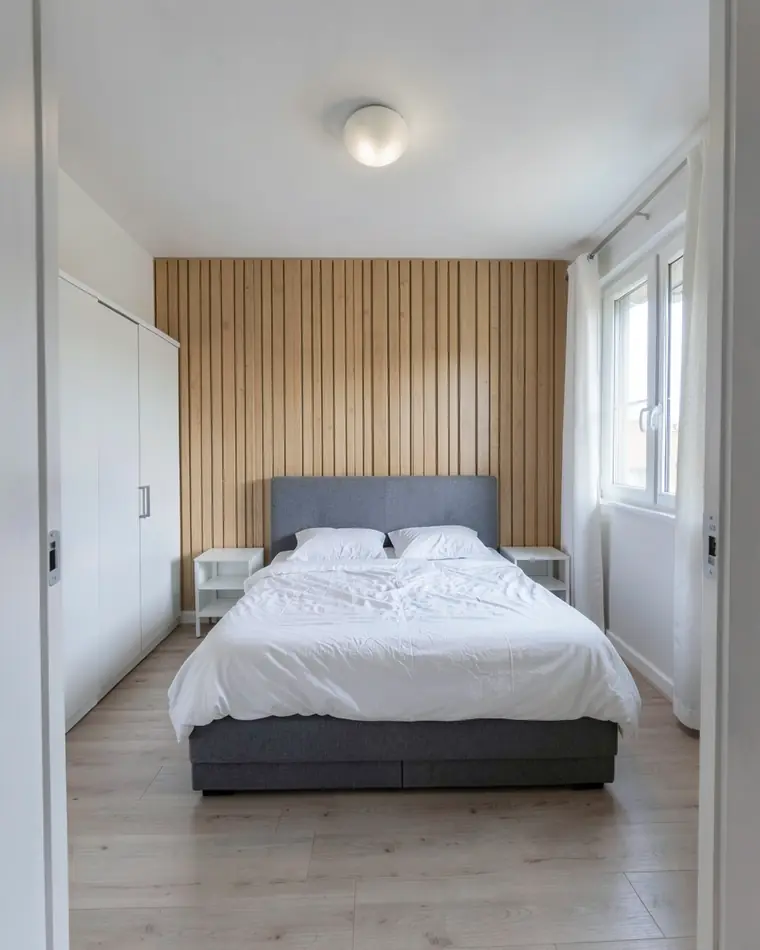
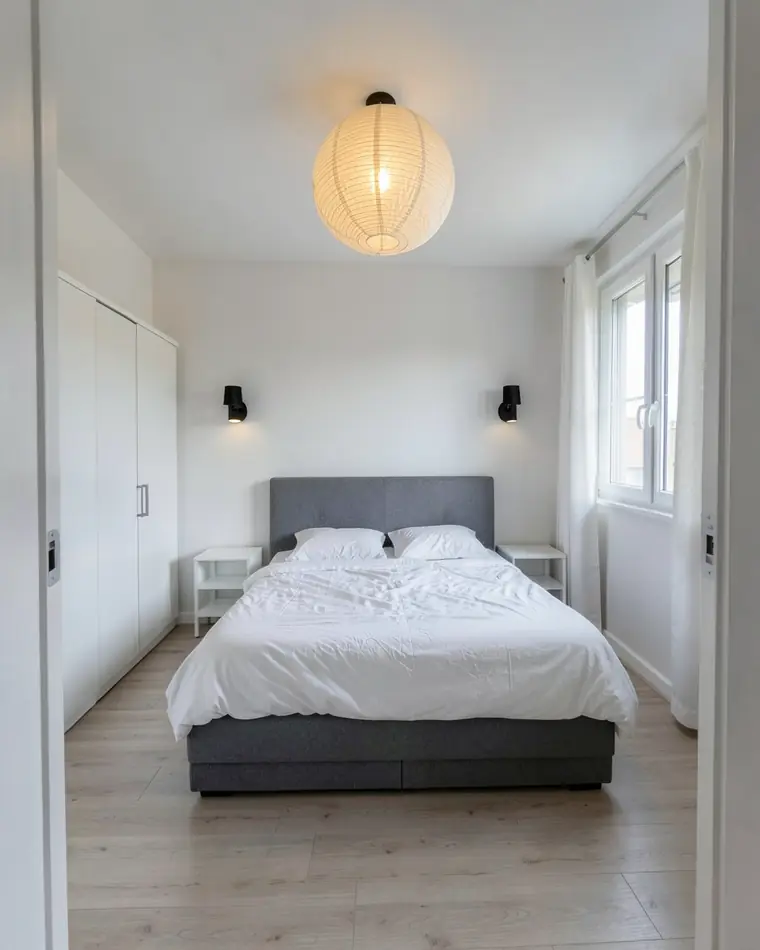
How to photograph your bedroom
Make the bed, open the curtains and take one photo.
Face the bed wall
Stand at the door or in the opposite corner so the bed and the wall behind it are in the frame.
Use daylight
Open the curtains and turn the lights on. Dark photos give darker, less accurate designs.
Make the bed
A smooth comforter and tidy nightstands help the app read the room.
Hold the phone straight
Keep it level at chest height and step back rather than zooming in.
Bedroom makeover tips for small rooms
Start with the wall behind the bed. A headboard, slats or one darker color there changes the room more than new furniture elsewhere.
Keep colors soft and the lighting low. A ceiling light on its own is harsh at night; a design with bedside lamps or wall sconces shows a calmer room.
Try a dark option before you rule it out. Navy or deep green can make a small bedroom feel cozy rather than cramped, and you can see it on your own photo in about a minute.
The designs are AI images, not a promise of the finished room. Dark paint in particular reads differently on a real wall, so try a sample patch and look at it in the evening.
Bedroom design questions
Is there a free app to design a bedroom?
Yes. zabudowa.arch is free on Android without a subscription or a card. New designs have a daily and a monthly limit, and failed runs are not counted.
How do I design my bedroom with AI?
Photograph your bedroom or pick a photo from your gallery, choose a style or up to two changes, and zabudowa.arch returns three designs of your own bedroom in about a minute.
Can I try an accent wall behind the bed?
Yes. Choose accent wall and describe it, for example wood slats, wallpaper or decorative plaster, or tap a suggestion. The rest of the room stays as it is.
Will my bed and wardrobe move?
The layout stays, along with the window, doors and walls. A full restyle can replace the bed, bedding and decor with pieces in the new style; to keep your own furniture, change only the walls, lighting or curtains.
Can I save my favorite design?
Yes. Compare designs A, B and C with the slider, then save your favorite to your photos or share it.
Can I use it on an iPhone?
Not yet, since zabudowa.arch is an Android app on Google Play. iOS support is in the works.
Ideas for other rooms
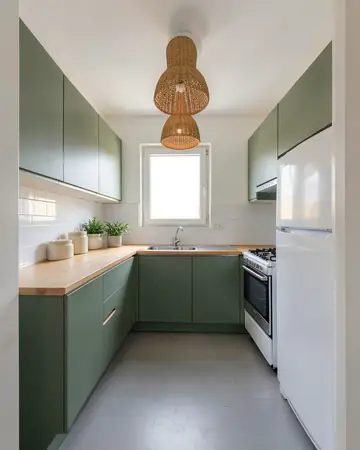 KitchenCabinet colors, lighting, flooring
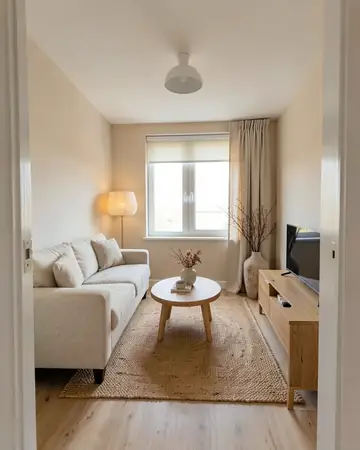 Living roomSofa, walls, curtains, lighting
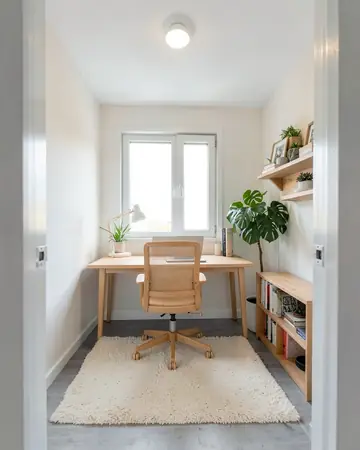 Home officeDesk wall, colors, lighting
Free AI interior design app: how it worksHouse mode: free AI exterior design for your house