
Free AI living room design from a photo of your own room
Take one photo of your living room and get three makeover ideas in about a minute: a new sofa and rug, wall color, curtains and lighting in a style you pick. Windows, doors and walls stay put.

- Free within a daily limit
- No account needed
- Android app
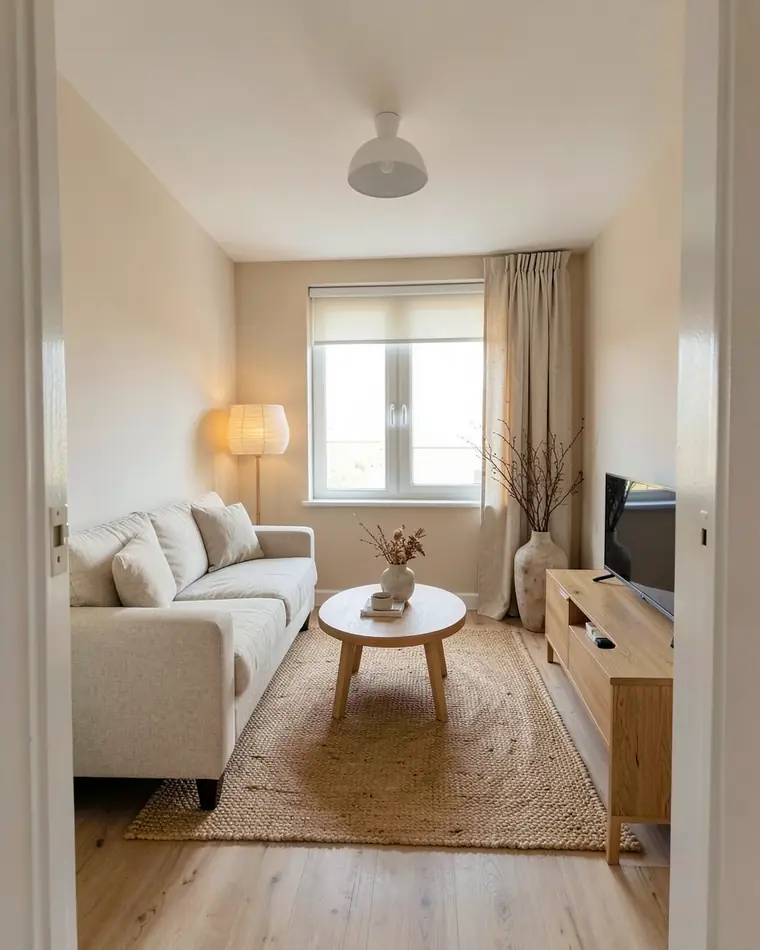
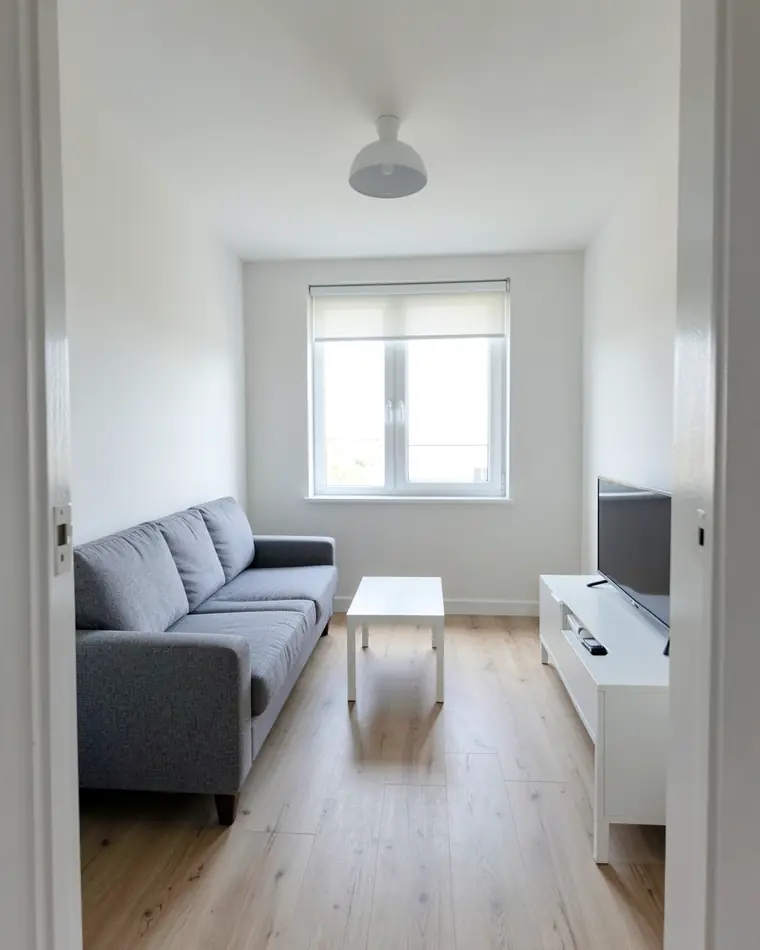
Three living room makeover ideas from one photo
One bland living room, three directions. Every design keeps the window, the doorway and the shape of the room.
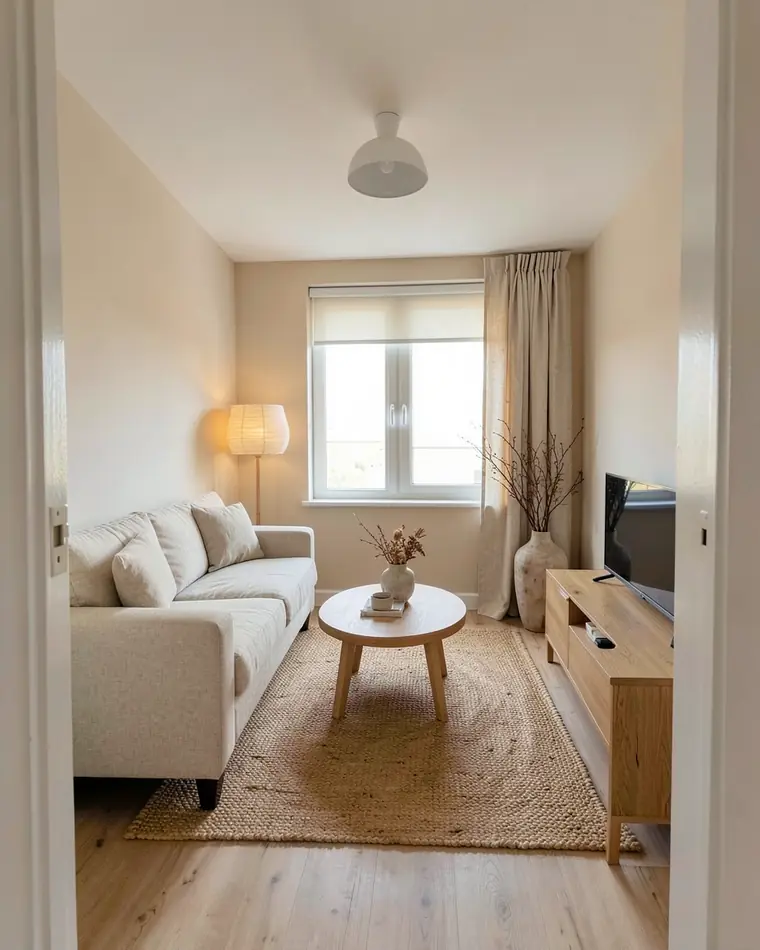
Japandi calm
An oatmeal linen sofa, a round oak table, a jute rug and a paper floor lamp against soft beige walls. Quiet and warm.
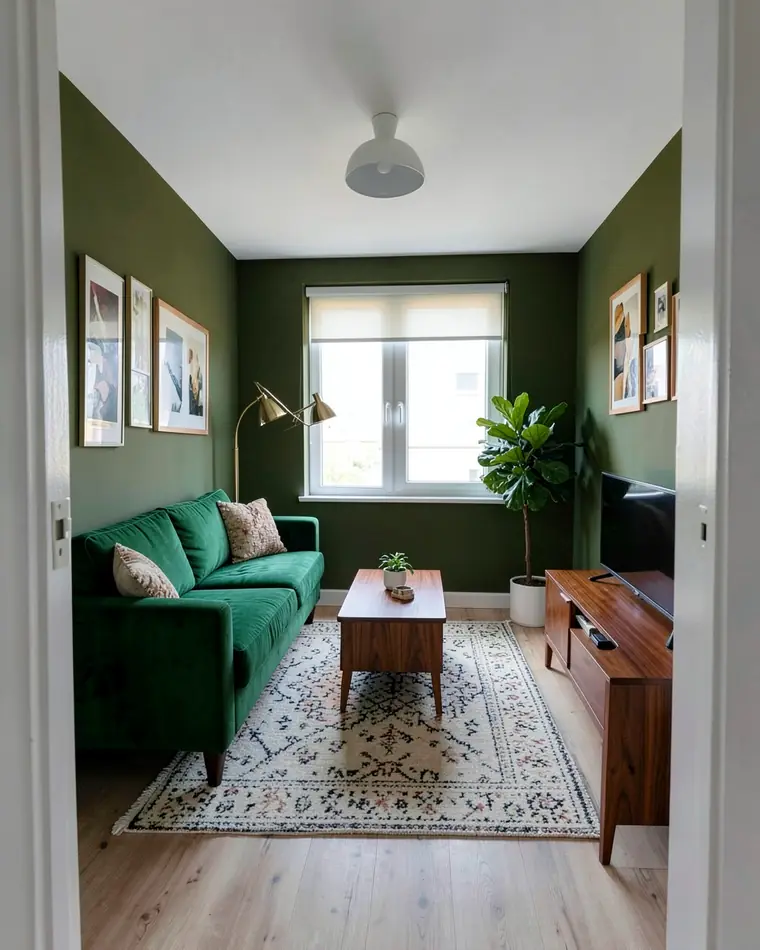
Deep green mid-century
Olive walls, a green velvet sofa, walnut furniture and a brass floor lamp. The boldest of the three, made for a room you mostly use in the evening.
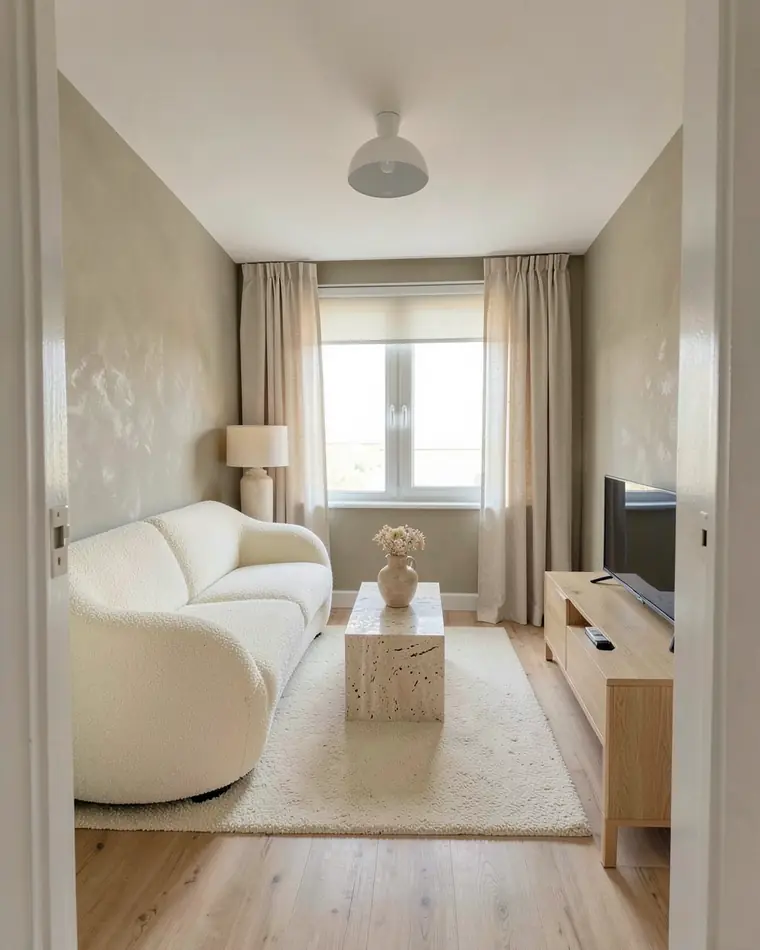
Warm minimal
A curved cream sofa, a stone coffee table and limewashed greige walls. Light and soft, with very little on show.
Or keep the sofa and change one or two things
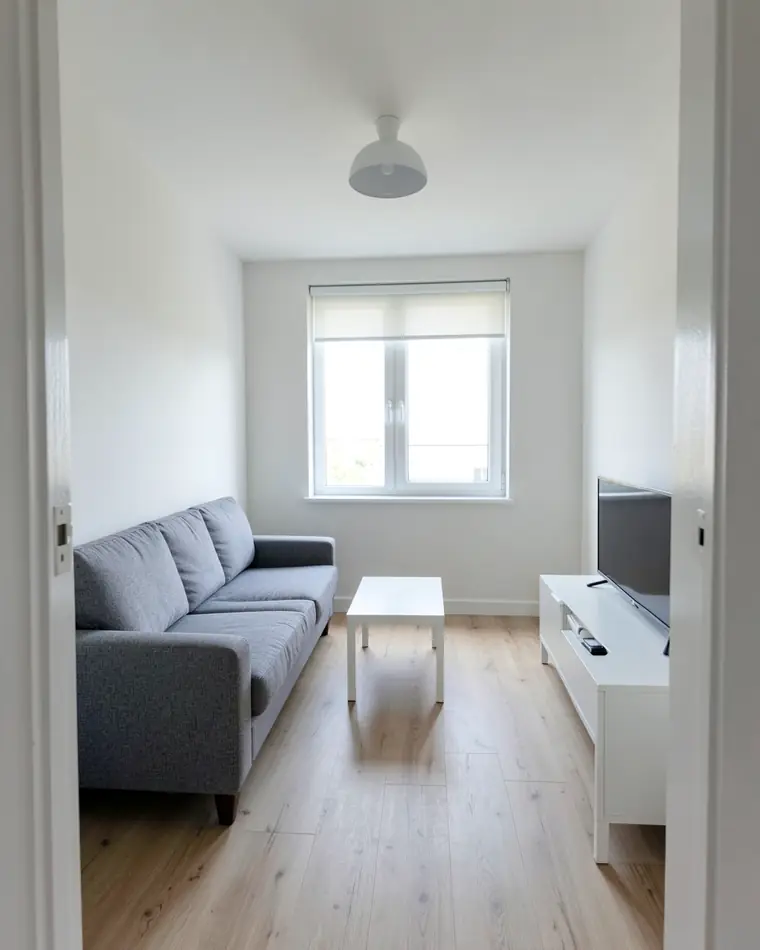
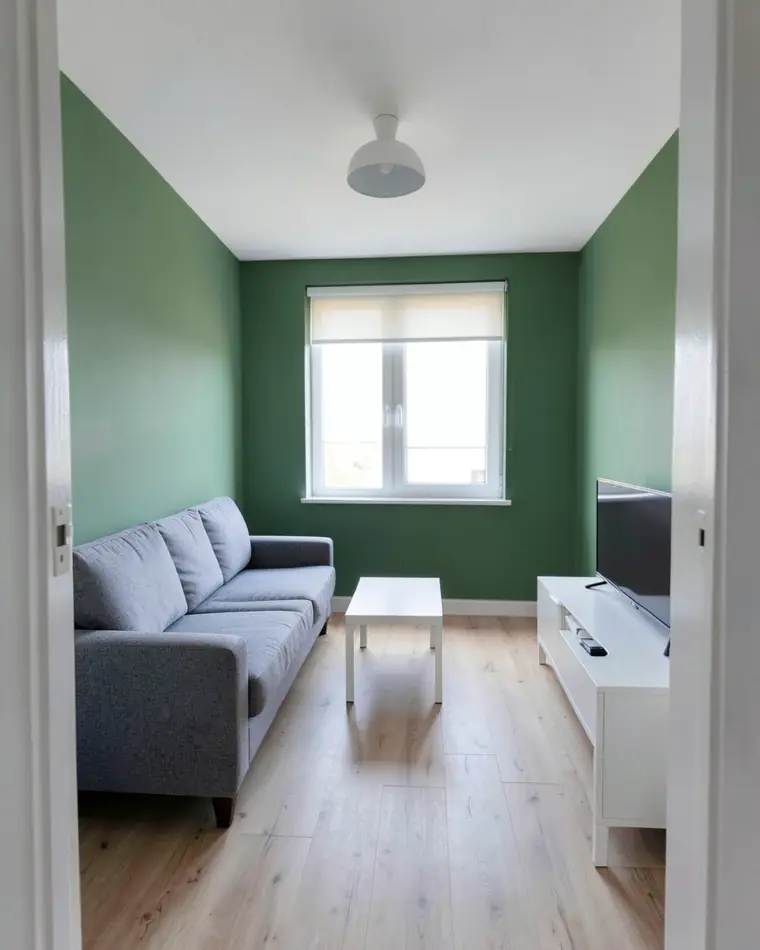
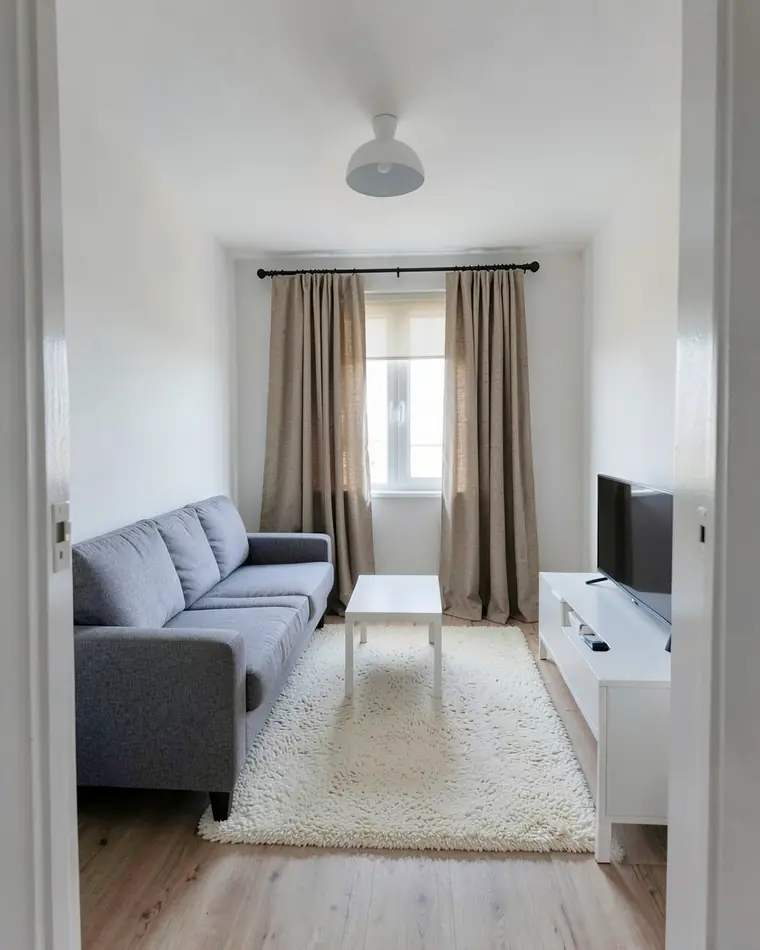
Happy with your furniture? Choose up to two changes, like the walls or the curtains, and leave everything else as it is.
How to photograph your living room
One photo is enough. These four habits make the designs more realistic.
Step back
Stand in a corner or the doorway and fit the whole wall, the window and the sofa in the frame.
Shoot in daylight
Take the photo during the day with the lights on, not straight into the sun.
Tidy the surfaces
Clear the coffee table and the floor. Cables, toys and laundry end up in the design too.
Hold the phone level
Keep it straight at chest height, so walls and the window frame stay vertical.
Before you buy a new sofa
Decide on the wall color and the rug first. They cover the most surface in the room, and the right sofa is much easier to choose once they are set.
Keep what works. If the sofa is fine, new walls, curtains and lighting can be enough, and you can see that on your photo before buying anything.
Plan the evening light. Most living rooms are used after dark, so add a floor lamp or wall sconces to the design and see how it changes the room.
The designs are AI images meant to spark ideas. Fabric and paint shades shift between a screen and a real room, so look at a swatch at home before you buy a sofa or paint.
Living room design questions
Is there a free living room design app?
Yes. zabudowa.arch is free on Android: no subscription, no card, just a daily and a monthly limit on new designs. If a run fails, it does not count toward that limit.
Can AI redesign my living room from a photo?
Yes. Take a photo of your living room, pick a style or up to two changes, and the app returns three designs of your own room in about a minute.
Is there an app to help me decorate my living room?
Yes. zabudowa.arch shows your own living room in a new style or with new walls, curtains or lighting. Each design lists matching products, such as paint, lamps, curtains and decor, with store links, and some of those links are affiliate links.
Can an app help me arrange my living room?
Not this one. zabudowa.arch keeps the layout from your photo and does not move furniture around or measure the room. It shows the same room with new colors, textiles, lighting or furniture in a new style. To plan where furniture goes, use a room planner.
Will the app keep my sofa?
If you change only the walls, curtains or lighting, your furniture stays as it is. A full restyle replaces the furniture, textiles and decor with the style you pick.
Which styles can I try?
Japandi, Scandinavian, warm minimal, modern classic, mid-century, industrial, coastal and boho. You can also type a style of your own, such as “cozy with dark wood”.
Is it available on iPhone?
Only on Android so far. zabudowa.arch is on Google Play, and an iPhone version is planned.
Ideas for other rooms
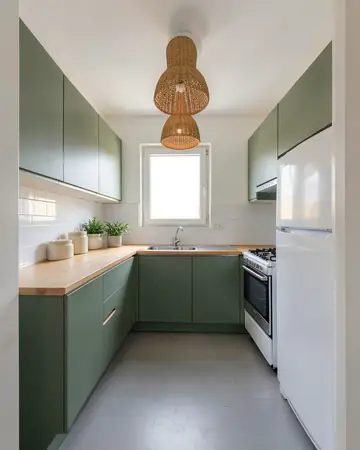 KitchenCabinet colors, lighting, flooring
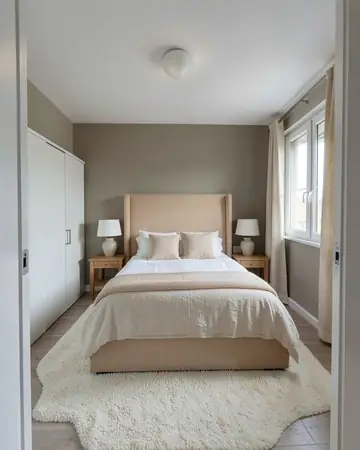 BedroomBed wall, colors, lighting
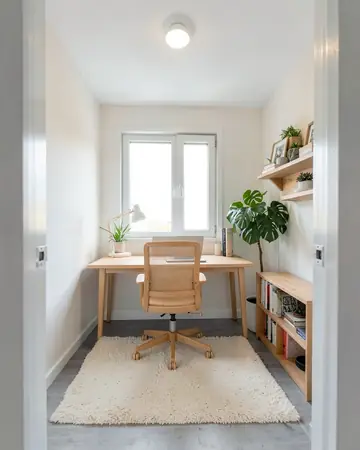 Home officeDesk wall, colors, lighting
Free AI interior design app: how it worksHouse mode: free AI exterior design for your house