
Free AI kitchen design from a photo of your own kitchen
Take one photo and get three remodel ideas in about a minute. Restyle the whole kitchen, cabinets usually included, or change only the walls, lighting or floor. The sink, window and walls stay where they are.

- Free within a daily limit
- No account needed
- Android app
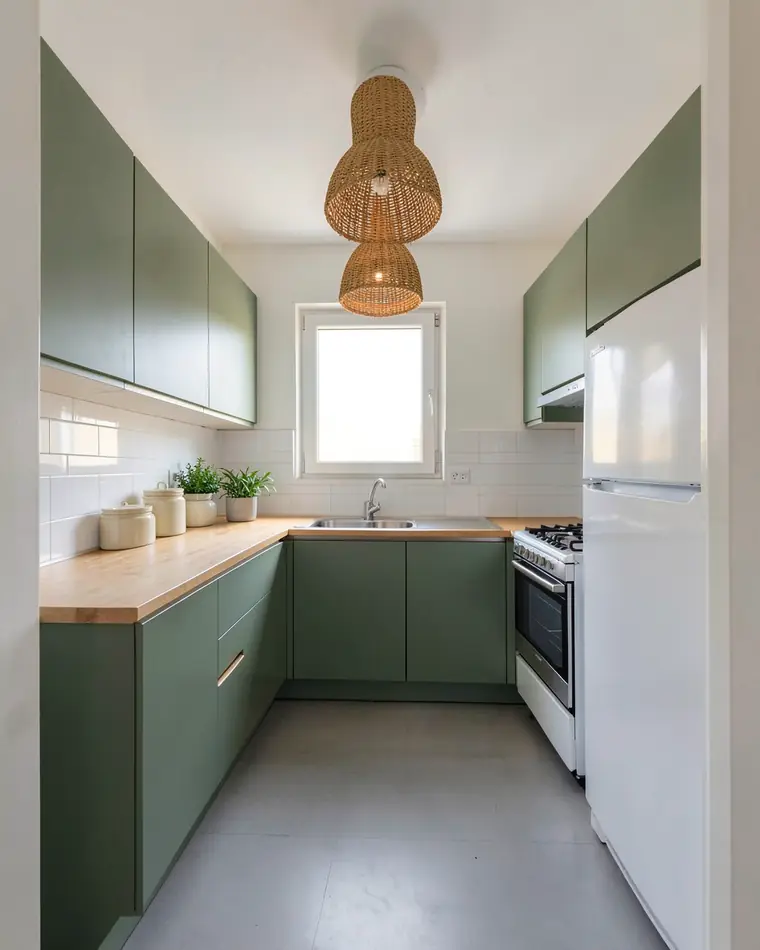
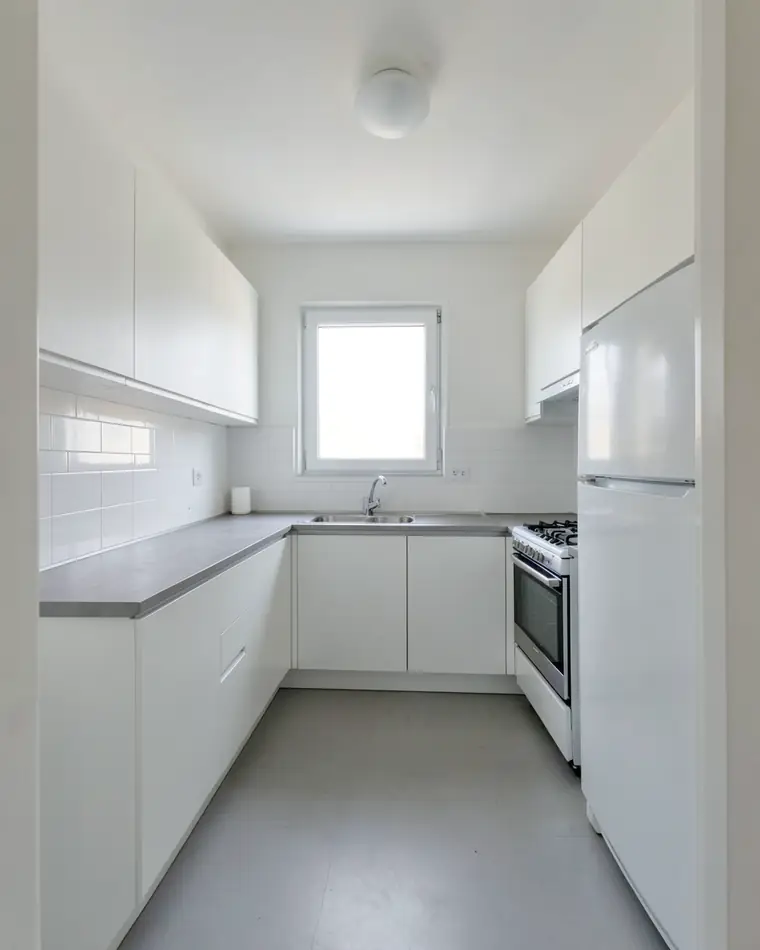
Three kitchen remodel ideas from one photo
The same kitchen restyled three ways. The layout, window and walls did not move, so you compare colors and materials, not a different room.
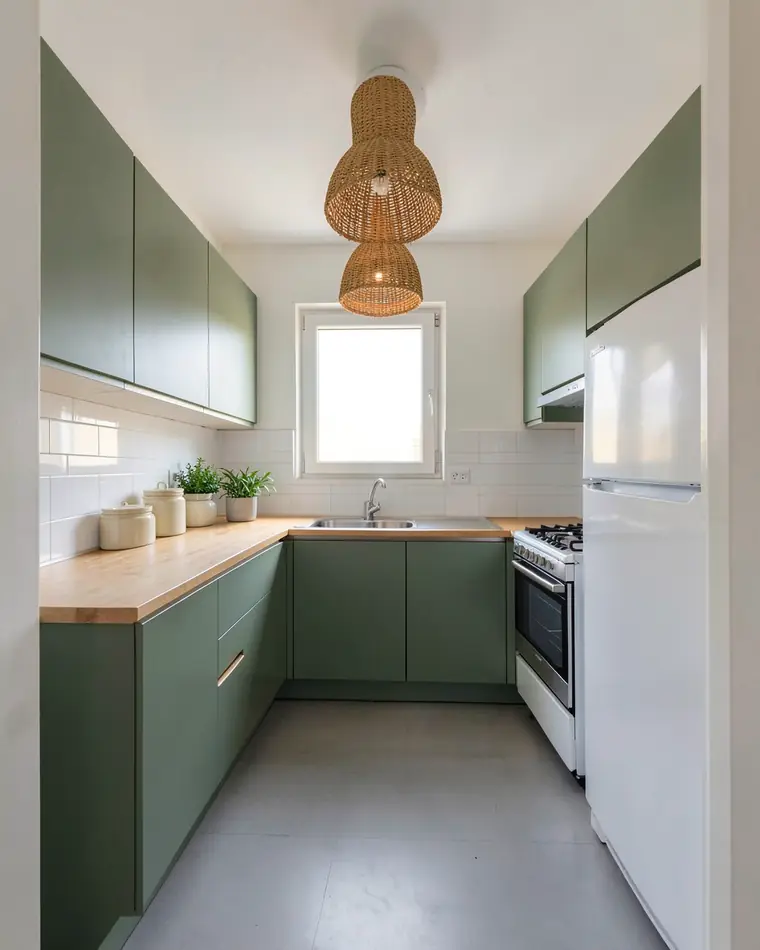
Sage and oak
Sage green cabinets, a light oak countertop and woven rattan pendants. Warm and calm, and it suits a small kitchen with one window.
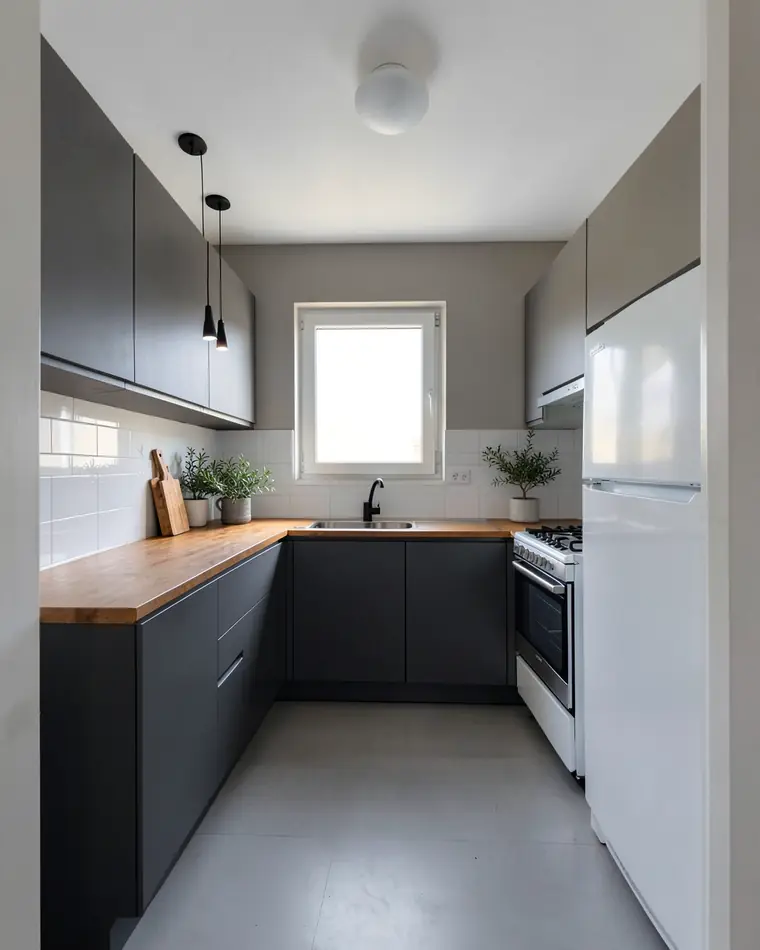
Graphite and wood
Matte graphite cabinets, a warm wood countertop and a black faucet. Clean and modern, and the wood keeps it from feeling cold.
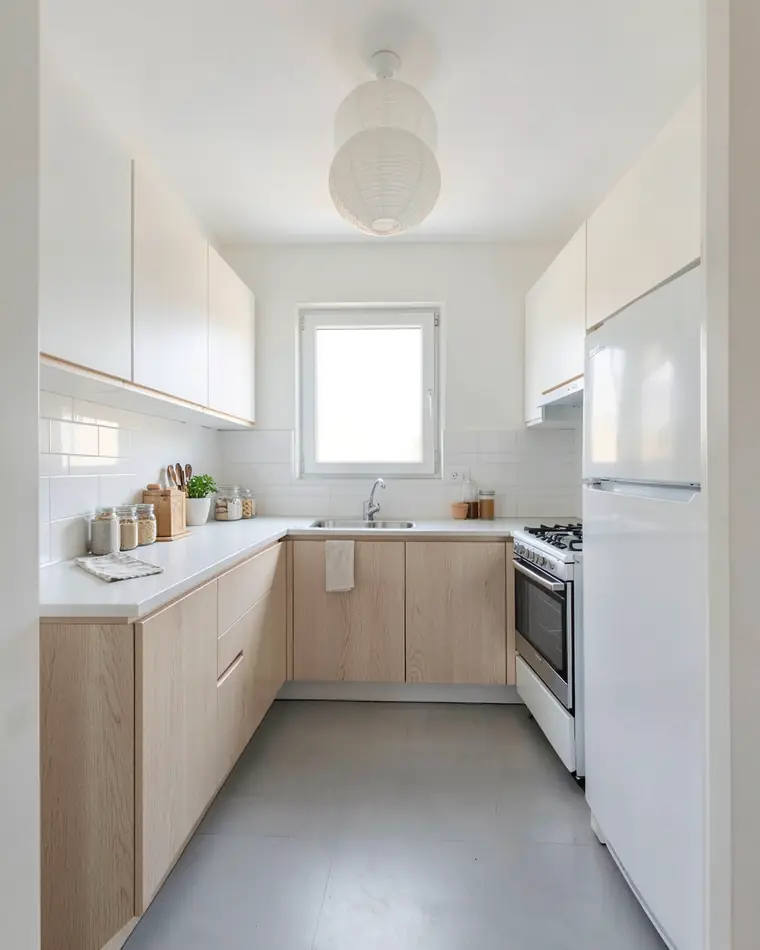
Light Scandinavian
Light oak lower cabinets, white uppers and a white countertop. The brightest of the three, made for a kitchen that gets little daylight.
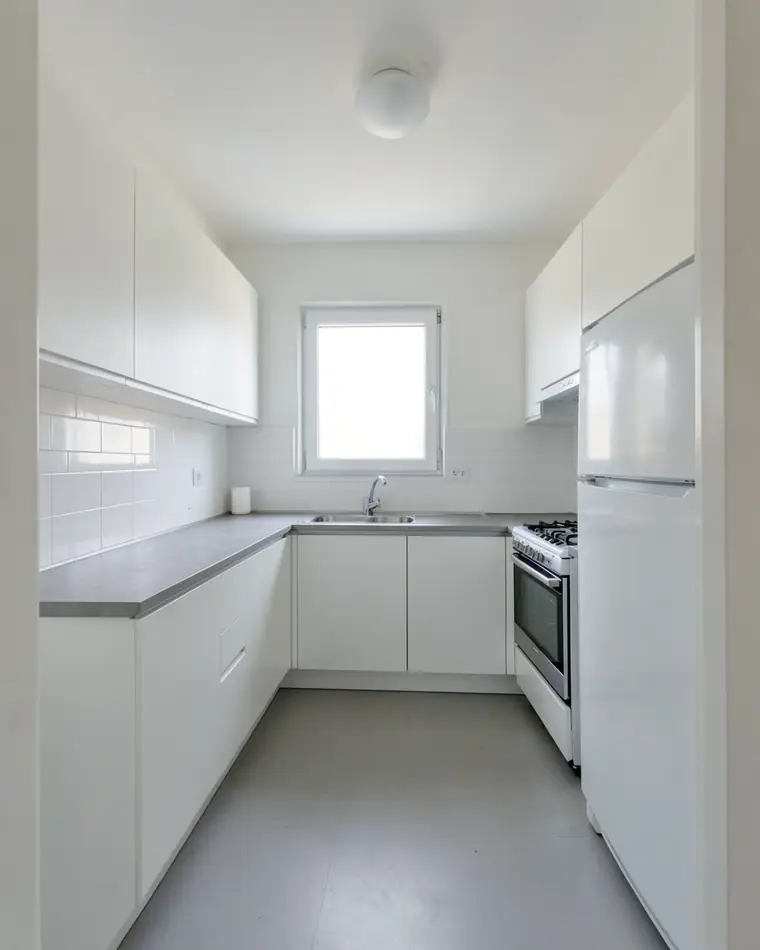
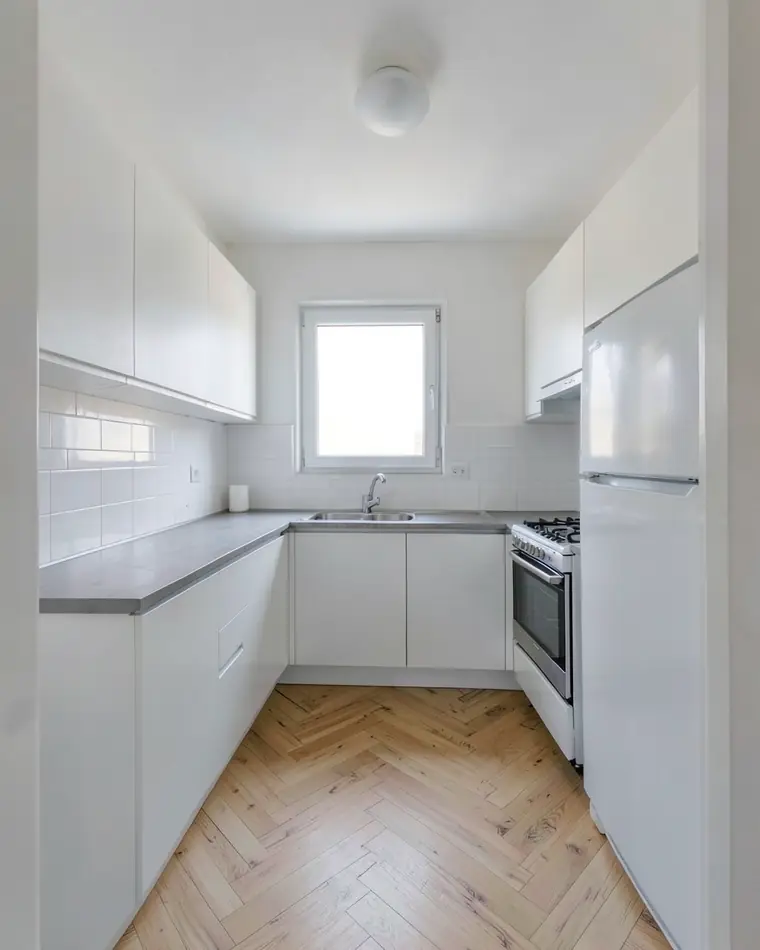
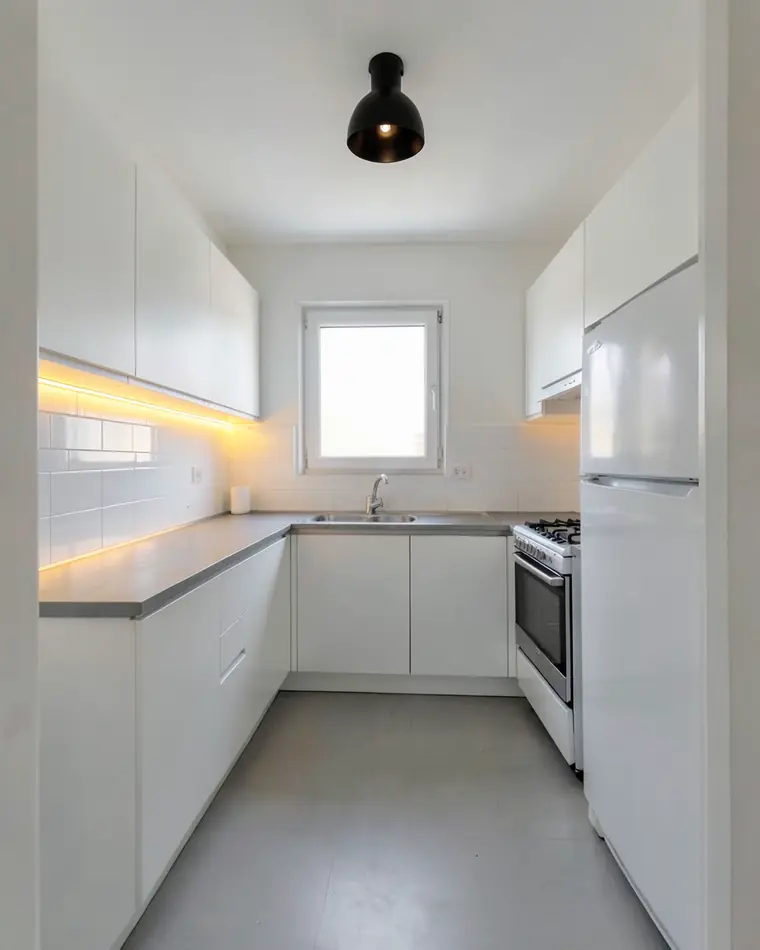
Or change just one or two things
Not ready for new cabinets? Pick one or two changes, such as the floor or the lighting, and the rest of the photo stays as it is.
How to photograph your kitchen
A good photo gives better designs, and it takes under a minute.
Stand in the doorway
Shoot from the entrance or a corner so most of the cabinets and the countertop are in the frame.
Use daylight
Take the photo during the day with the lights on. Too close and too dark are the two things to avoid.
Clear the countertop
Move the kettle, bottles and dish rack out of the shot. Clutter in the photo tends to stay in the designs.
Hold the phone straight
Keep it at chest height and level, so cabinet edges stay vertical.
A kitchen makeover on a budget: what to try first
Start with what stays. If the countertop, backsplash and floor are staying, look for cabinet and wall colors that work with them before you plan a full remodel.
Compare one bold and one quiet option. A graphite or green kitchen looks striking in a photo, but you will see it every morning, so put it next to a lighter design before you decide.
Lighting changes a kitchen more than you expect. Under-cabinet strips and one good ceiling lamp are a small job, and you can test them on your photo first.
Treat these designs as a starting point: they are AI images, and cabinet colors and wood tones look different under your own lights. Get door and countertop samples before you order anything.
Kitchen design questions
What is the best app to design a kitchen?
It depends on the job. To plan a new layout with exact measurements, use a 3D kitchen planner. To see new colors, lighting or flooring on the kitchen you already have, zabudowa.arch turns one photo into three designs in about a minute.
Is there a free app to design a kitchen?
Yes. zabudowa.arch is free on Android, with no subscription and no card. New designs are capped per day and per month, and if a run fails, it is not counted.
Can I upload a photo of my kitchen and see a remodel?
Yes. Use the camera or a photo from your gallery, then choose a style or up to two changes. You get three designs of your own kitchen in about a minute and can drag the slider to compare each one with your photo.
Can the app change my cabinet colors?
In a full restyle the cabinets usually change with the style you pick, and you can describe that style yourself, for example “navy cabinets with brass pulls”. The results are AI images, so treat them as ideas rather than exact colors.
Can it change my kitchen layout or move the sink?
No. The walls, window, doors and layout stay as they are in your photo, so the sink and stove stay put too. What changes is color, lighting, flooring and furnishings.
Can I try it without photographing my kitchen?
Yes. The app includes sample rooms, a kitchen among them, each with three ready designs. Browsing them is free and does not use up your free designs.
Does zabudowa.arch work on iPhone?
Not at the moment. zabudowa.arch runs on Android phones and is on Google Play; an iPhone version is planned.
Do I need an account?
No. You do not create an account or enter an email address or a password. Open the app and take a photo of your kitchen.
Ideas for other rooms
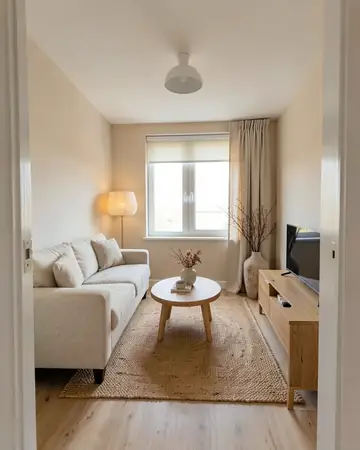 Living roomSofa, walls, curtains, lighting
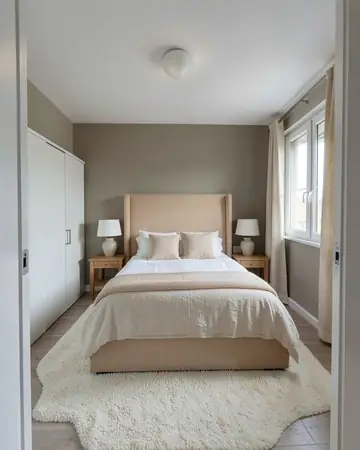 BedroomBed wall, colors, lighting
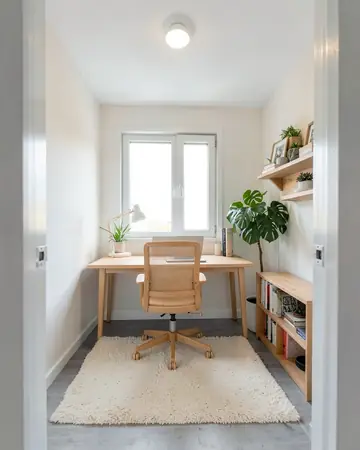 Home officeDesk wall, colors, lighting
Free AI interior design app: how it worksHouse mode: free AI exterior design for your house