
Room Makeover App: See 3 Redesigns of Your Own Room
A room makeover app should show the whole redesign on your own room before you spend anything. zabudowa.arch turns one photo into three designs, lets you try up to two changes at a time and keeps your windows, doors and layout where they are.

- Free within usage limits
- No account needed
- Android app
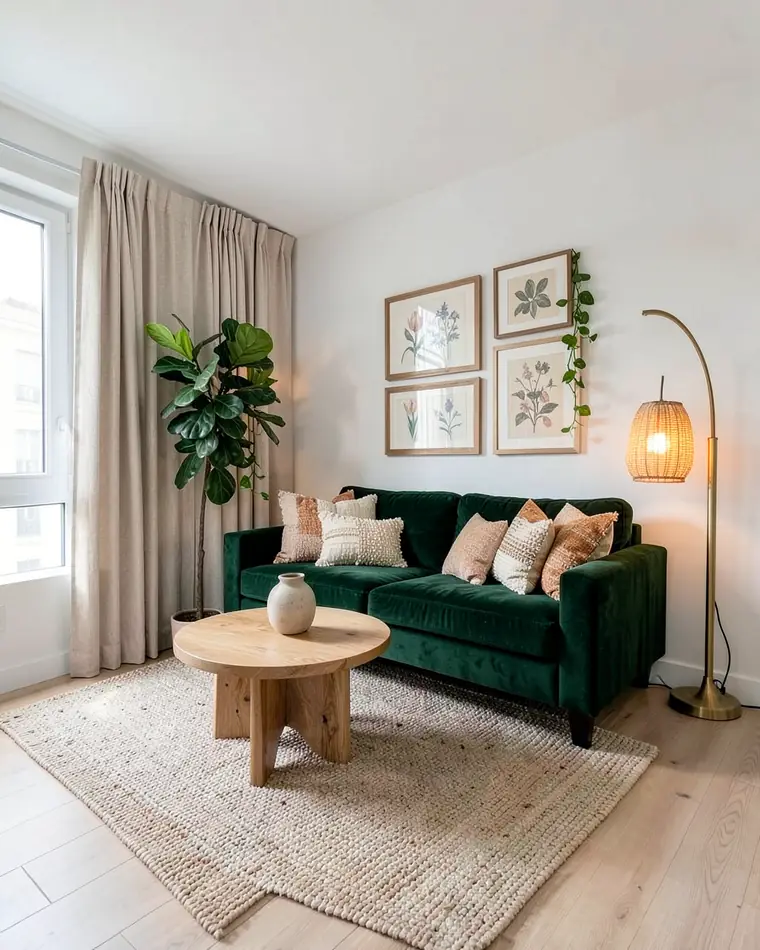
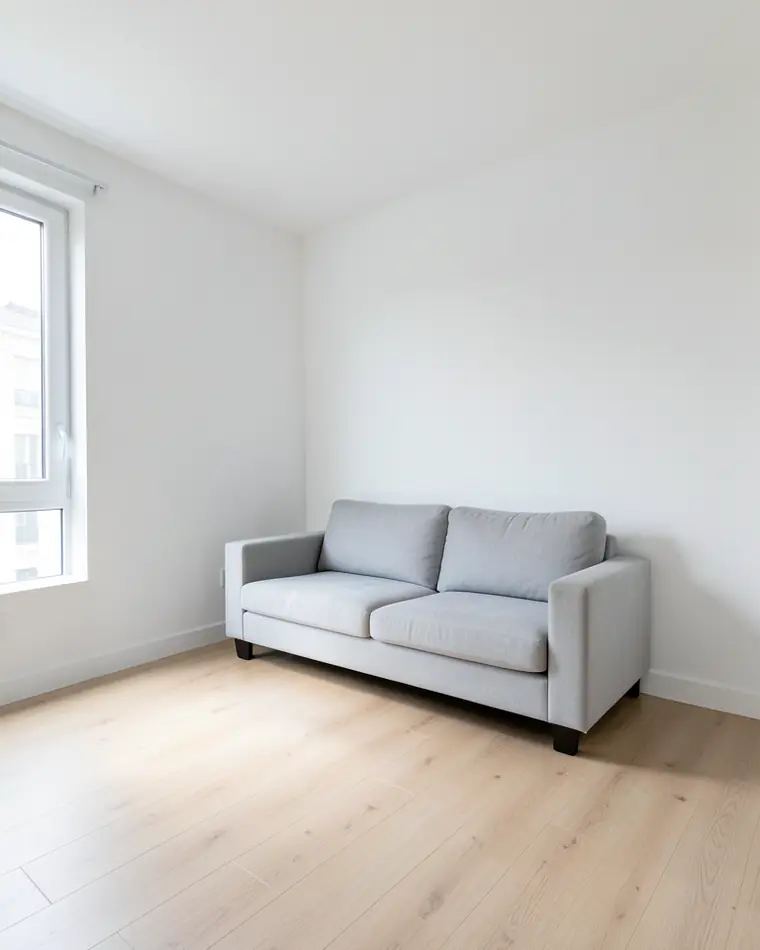
Room makeover app: see the whole room before you buy anything
A makeover often starts with the feeling that a room is flat and ends with a basket of things that do not belong together. A preview on a photo of your own room closes that gap. You see the sofa color next to your floor, the curtains against your wall and the lamp in your corner. We suggest deciding the mood first and the products second, because a mood is easy to change in a picture and a purchase is harder to undo.
Look for a preview that works on your room, not on a catalog room. The light, the ceiling and the position of the window change how colors read, and a generic mood board cannot show that. With your own photo you can also put several directions side by side and notice which one you keep coming back to.
Treat the result as a direction, not as a shopping list. A preview tells you whether warm wood and deep green feel right or whether you prefer pale linen and grey. That is the decision that is hardest to make while standing in front of a shop shelf.
Three makeovers of one living room
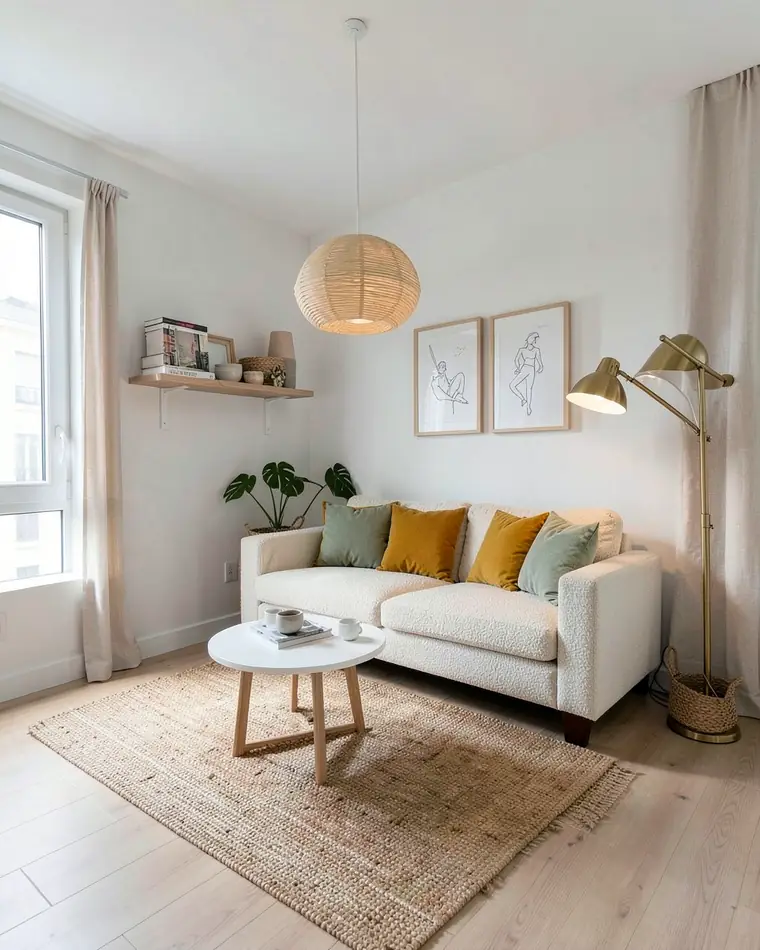
Scandi Warm
A light oak sofa in bouclé with mustard and sage cushions, a white round coffee table, a jute rug and a paper pendant lamp. The calmest of the three and an easy first direction to test.
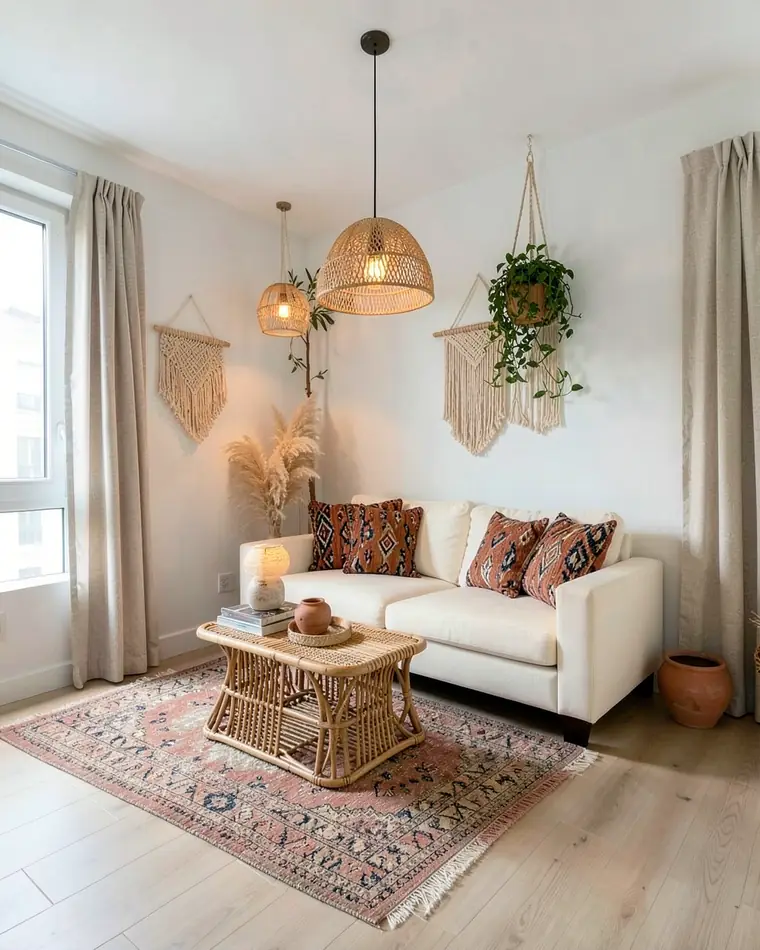
Boho Layers
A low cream sofa with kilim cushions, a rattan coffee table, a layered rug, a macrame wall hanging and plants at different heights. Full of texture, with the pattern kept in the cushions and rugs.
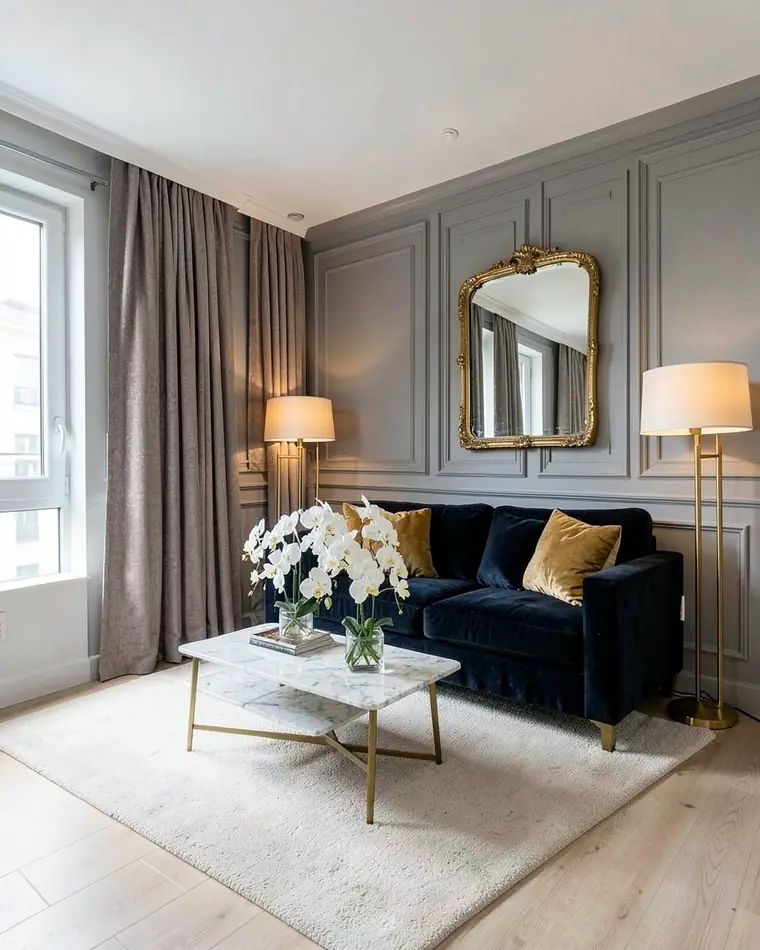
Modern Classic
A navy velvet sofa, a marble-top coffee table with brass legs, soft grey wall panelling and a large gilded mirror. The most formal of the three and the clearest change from the original room.
Palette and materials that make a room makeover hold together
Choose one calm base, one accent and one material that repeats. A soft wall color, a sofa or bed in a stronger tone, and wood or rattan in two or three places usually keep a makeover from turning into a collection of unrelated pieces. A rug, layered cushions, warm lamps, a plant and one picture wall add depth without adding more furniture.
| Direction | Base | Accents and materials |
|---|---|---|
| Warm Scandinavian | Warm white walls, pale oak | Mustard and sage cushions, jute, linen |
| Boho layers | Cream sofa, warm white walls | Terracotta and teal kilim cushions, rattan, macrame |
| Modern classic | Soft grey panelling, ivory | Navy velvet, brass, marble |
If you are unsure, test the quiet version of a direction first and add the bolder piece afterwards. For a living room that is short on space, see small living room layout ideas, and for a bedroom, the AI bedroom design app.
How to photograph a room you want to redesign
Choose the room you are most tempted to redo and stand where one photo shows the most of it, usually the doorway or the far corner. Hold the phone level at chest height and keep the window in the frame, because daylight changes how colors look.
You do not need to empty the room, because in a full restyle the furniture, textiles and decorations change in the picture. It still helps to tidy up first: clear the surfaces, open the curtains, switch the lamps on and keep the flash off.
If a wall, a floor or a lamp is the part you want to change, make sure it is visible and not hidden behind a cupboard. Take a second photo from another angle if the first one crops it out.
Two small changes or a full restyle: which to try first
If you want a gentle refresh, pick up to two changes on the same photo, for example the wall color and the lighting, or the curtains and the floor. Seeing only those two changes tells you how much a single decision does for the room, and you can run the photo again with a different pair.
If the whole room feels wrong, a full restyle shows a complete look at once. Compare it with the two-change version of the same room and keep whatever you would actually enjoy living in. A middle path is to adopt the wall color and lamps from one design and keep your own sofa.
What zabudowa.arch does and does not do in a room makeover
zabudowa.arch is an Android app. Photograph your room with the camera or pick a photo from the gallery, and after about a minute you get three designs, A, B and C, each with a name and a short description. A slider compares each design with your original photo, and you can save the designs to the gallery or share them.
You can choose up to two changes at a time: wall color, ceiling, lighting, curtains and blinds, floor or an accent wall. Or restyle the whole room with a preset such as Scandinavian, Japandi, warm minimalism or boho, or describe any style in your own words. You can also photograph a lamp, a floor or a paint you already like and get designs built around it.
The app also has a "Shop this look" section that lists products for what changed, with links to shops. Prices and an approximate total appear only in countries with full data. Elsewhere you get ready-made searches without prices, and some of the links are affiliate links.
The limits are clear. Windows, doors, walls and the layout stay where they are, and in a full restyle so do the floor and the ceiling. The app does not plan a layout or dimensions, so measure before you buy furniture. The designs are AI images made for inspiration, and colors and materials can look different in real life, so get a sample before you commit.
Try a room makeover on your own photo
Photograph the room you want to redo from the doorway or the far corner, with the window in the frame. Clear the surfaces, switch the lamps on and keep the flash off.
Start with up to two changes, such as wall color and lighting, then repeat with a full style such as boho or Scandinavian. Prefer your own words? Describe the look, for example "cream walls, warm lamps, rattan".
Slide between your photo and designs A, B and C, then open "Shop this look" for the look you like. Measure the room, ask for paint and fabric samples and only then decide what to buy.
Questions and answers
Is there an app that can redesign a room from a photo?
Yes. In zabudowa.arch on Android you take a photo of your room or pick one from the gallery and get three designs, A, B and C, after about a minute. A slider lets you compare each one with your original photo, and you can save or share the results.
Can I try two changes on the same photo?
Yes. You can choose up to two changes at a time, for example wall color and lighting, or curtains and floor. You can also describe a change in your own words. Windows, doors and the layout stay as they are in your photo.
Does a room makeover app show what the products cost?
Only in some countries. The "Shop this look" section shows prices and an approximate total in countries with full data. In other countries you get ready-made searches without prices, so check the shop before you plan a budget.
Can the app move walls or windows in my room?
No. Windows, doors, walls and the layout stay where they are, and the app does not plan layouts or dimensions. In a full restyle the furniture, textiles, decorations, lamps, curtains and wall color change.
Can I redesign my room around a lamp or a paint I already like?
Yes, in room mode. You photograph the lamp, floor or paint and the designs are built around it. This option is not available in the house mode of the app.
Is the room makeover app free?
Yes, zabudowa.arch is free on Android within a daily and monthly limit that depends on your country. There is no subscription, trial period or card, and a failed generation does not use up the limit.
Related ideas
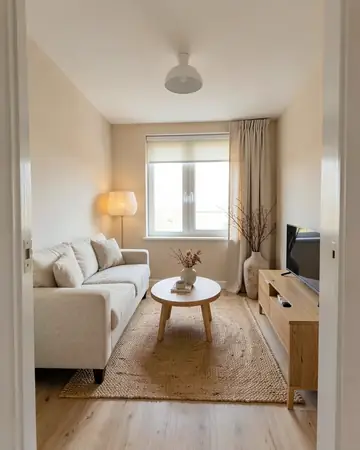 Living roomSofa, walls, curtains, lighting
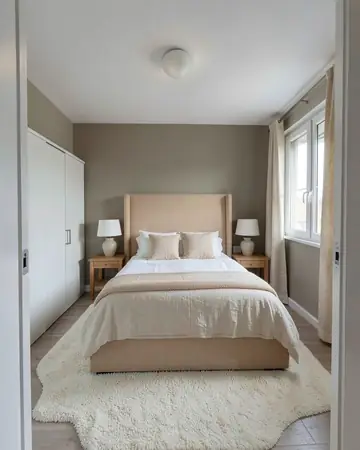 BedroomBed wall, colors, lighting
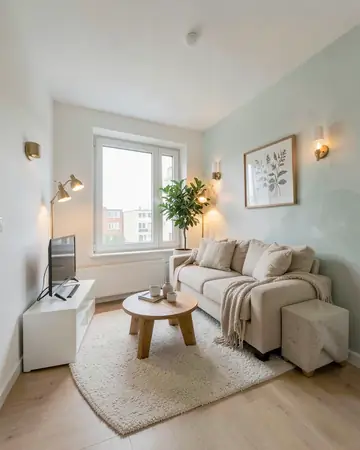 Small living room layoutSofa, TV wall, colors and light
More guides
Free AI interior design app: how it worksHouse mode: free AI exterior design for your house